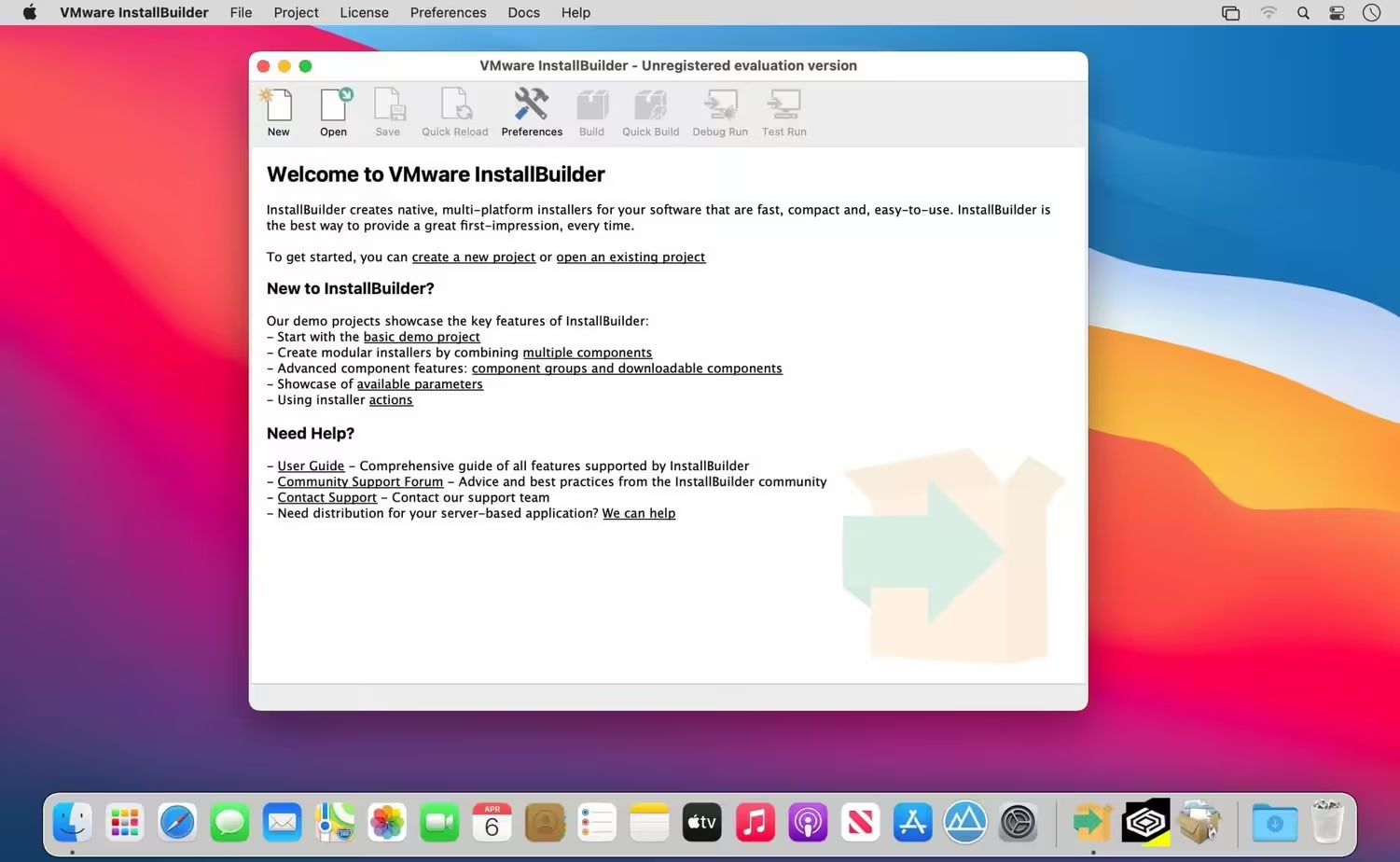
VMware InstallBuilder is a development tool for building cross-platform installers for desktop and server software. With InstallBuilder, you can quickly create dynamic, professional installers for Linux, Windows, Mac OS X, Solaris, and other platforms from a single project file and build environment. In addition to installers, InstallBuilder will generate RPM and Debian packages and multiplatform CDs/DVDs. Automatic update functionality makes it easy to deliver updates directly to users once they have your software installed.

Download
26.5.1 · FREE
Download Now
26.5.1 · FREE · Universal
293.7 MB
Free Space Required
Universal
Apple Silicon & Intel
Universal
ARM64 & x86_64
- Features
- Screenshots 3
- Whats new?
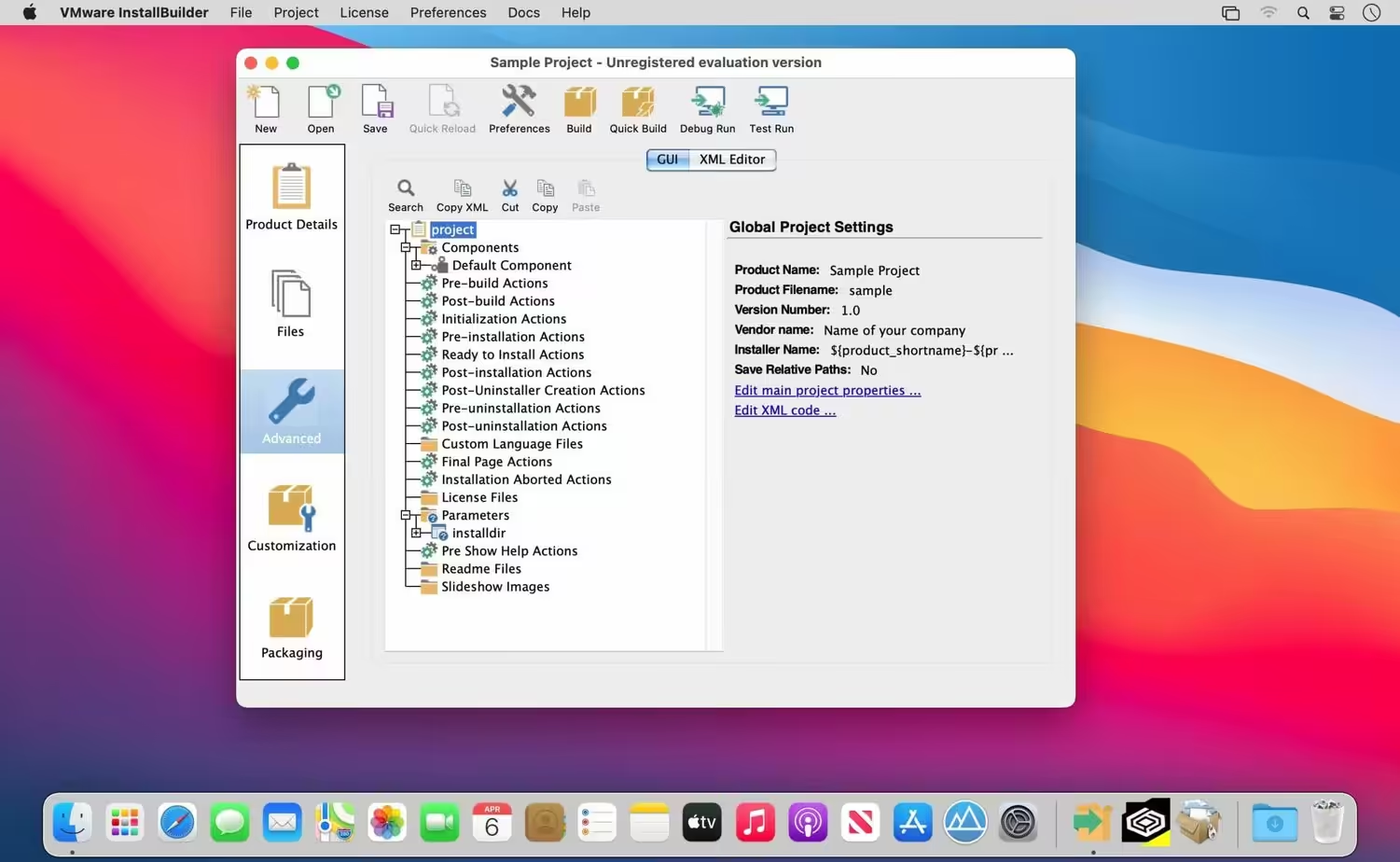
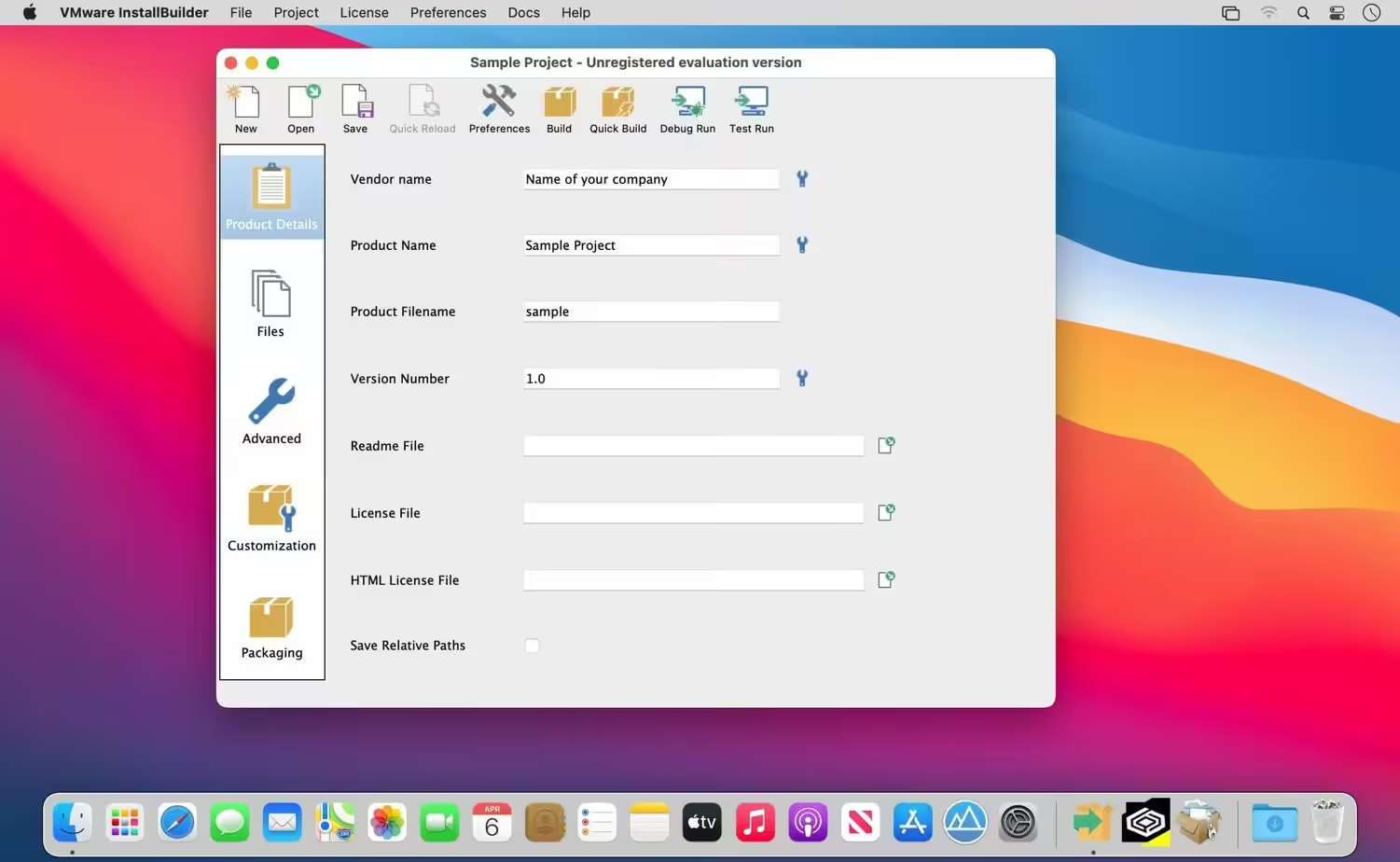
Powerful UI for Installer Development
- Develop installers using the intuitive GUI or by editing XML-based installer project files.
- Built-in actions automate adding commonly required functionality to installers.
- Make platform-specific customizations while maintaining one project file for all platforms.
- Create installers for Linux, Windows, Mac OS X, Solaris, HP-UX, AIX, IRIX, FreeBSD, and more.
- Generate RPMs, Debian packages, and multi-platform DVDs or CD-ROMs.
- Installers run in GUI, text, and unattended modes.
- The included debugger allows you to test installers as you develop and pinpoint areas to troubleshoot.
- The command-line interface allows for integration with build and test systems.
- “Human-friendly” XML-based project files support source control integration and customizing installers using external scripts
Enhanced parameter support makes it possible to create dynamic pages that will be automatically reconfigured based on the user’s input. This allows you to create a more customized and streamlined installation experience for users.
Enhanced Component FunctionalityInstallBuilder provides support for downloadable components and component groups, including support for subcomponents. Downloadable components will be downloaded at runtime only if the user chooses to install them, reducing the size of installer downloads. The InstallBuilder component system allows you to group individual components and build feature sets that will be displayed in a tree structure (“subcomponents”.) It also allows users to add and remove specific components from existing installations.
Expanded DocumentationOver 350 pages of documentation are now available for InstallBuilder. The documentation not only explains every feature of InstallBuilder but also provides sample code for a wide variety of installer functions, such as bundling a Java runtime, detecting pre-requisites on the system, offering basic and advanced installation modes, and more.
What's New in Version 26.5.1
- The official site does not provide any info about changes in this version
Older versions & Compatibility
Running macOS Catalina, Big Sur, Monterey, or Ventura? Download tested builds for Intel and Apple Silicon.
-
26.5.1 LatestOct 16, 2026 · 293.7 MB · Universal
Verified secure servers
Official Website




No comments yet
Share whether this build worked on your Mac, on which macOS version, and your tips.