VMware Fusion Pro empowers Mac users to effortlessly run Windows and hundreds of other operating systems directly on their Apple Silicon or Intel Macs, without rebooting. This essential tool in macOS System Utilities enables seamless side-by-side operation with native macOS applications, catering to both home users and IT professionals with robust virtualization capabilities.
Download
2 versions
Download Now
26H1 · FREE · Universal
482.2 MB
Free Space Required
Universal
Apple Silicon & Intel
Universal
ARM64 & x86_64
- Features
- Screenshots 4
- Whats new?
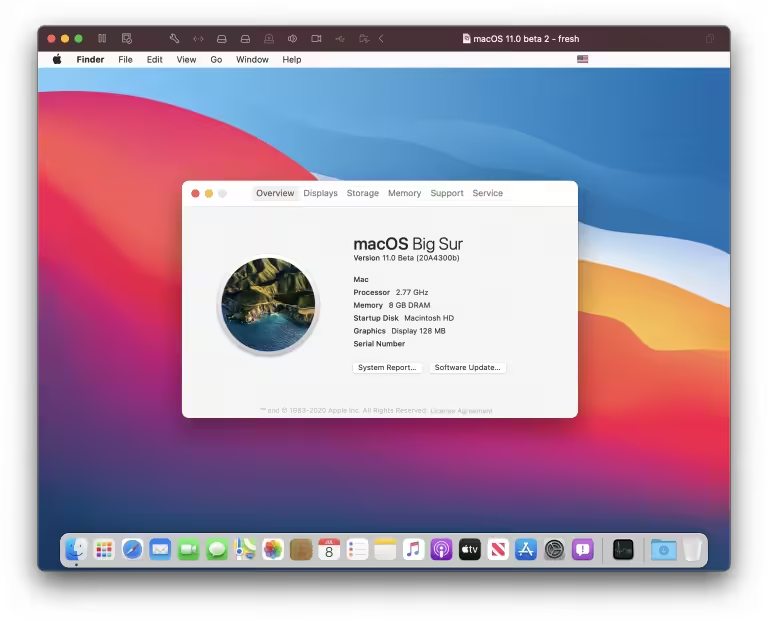
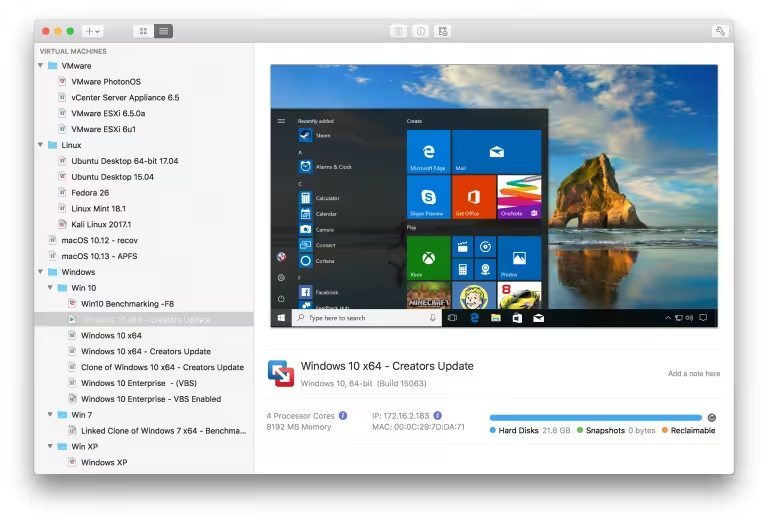
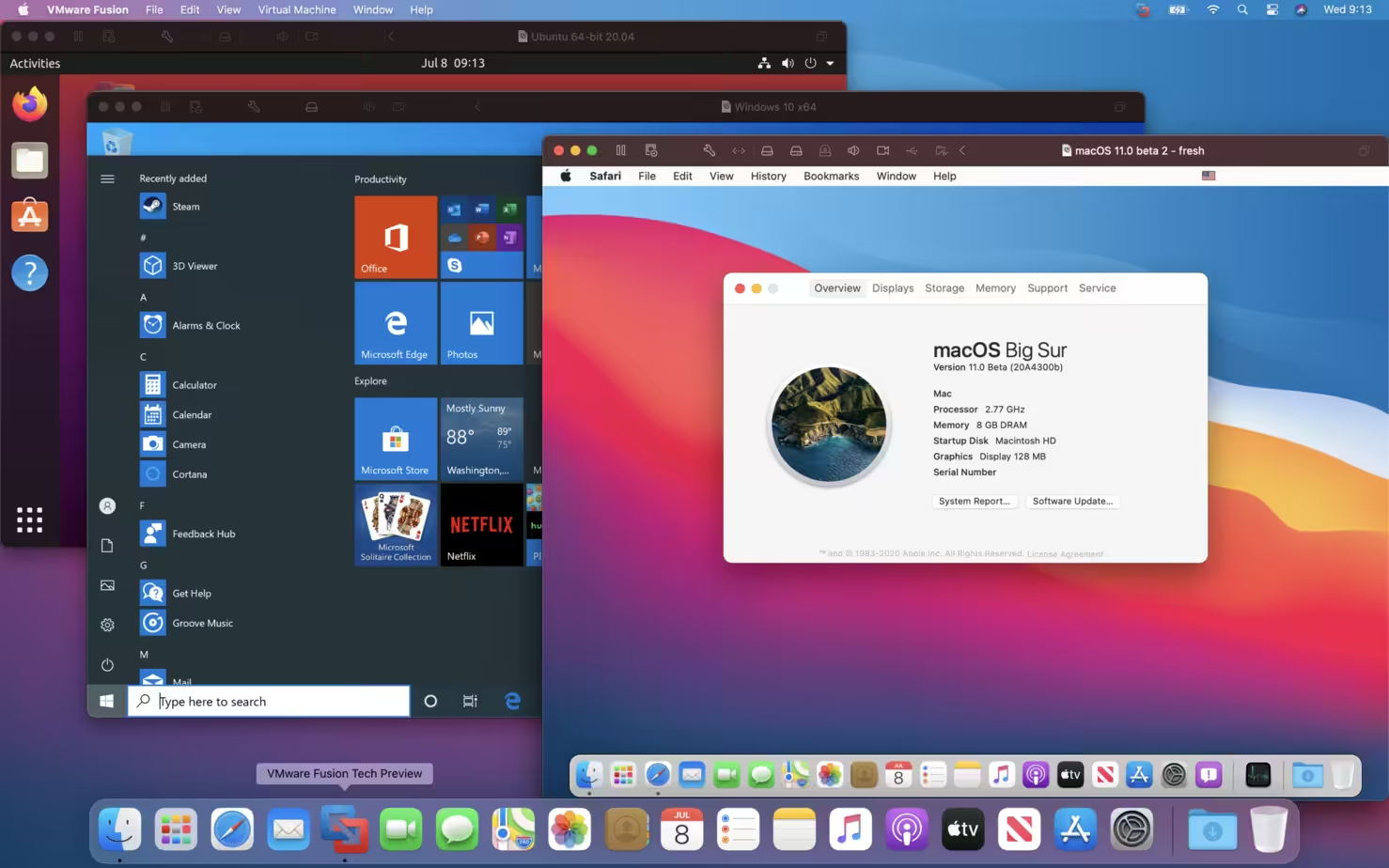
- Run Diverse Operating Systems: Seamlessly run Windows, Linux, and hundreds of other OS alongside macOS without rebooting.
- Native Performance on Mac: Experience near-native speed and responsiveness for virtualized environments on your Apple Silicon or Intel Mac.
- Effortless VM Creation: Quickly set up and configure new virtual machines, providing a container for any guest operating system.
- Seamless Mac Integration: Enjoy integrated experiences like drag-and-drop, shared folders, and copy-paste between macOS and guest OS.
- Advanced IT Professional Tools: Access robust features tailored for developers, IT administrators, and demanding business virtualization needs.
- Flexible Network Configuration: Configure complex virtual networks to replicate real-world environments for development and testing purposes.
- Intuitive User Experience: Simple for home users, yet powerful enough for professionals, ensuring ease of use for all skill levels.

What's New in Version 26H1
- New Guest Operating System Support
- Microsoft Windows 11
- Microsoft Windows Server 2022
- RHEL 9
- Debian 11.x
- Ubuntu 22.04
- Support for Apple Silicon Mac
- Fusion now supports running Arm virtual machines on Apple Silicon Macs
- Universal Package for x86 and Apple Silicon
- A single universal package (.dmg) is provided for both Intel and Apple Silicon Macs.
- New Virtual Trusted Platform Module 2.0
- Fusion now offers a virtual Trusted Platform Module (version 2.0) device to support Windows 11 and other operating systems that require a TPM.
- New Full or Fast Encryption features
- You can now choose between security (Full) and performance (Fast) options for encryption.
- Improved Graphics Support: OpenGL 4.3
- Fusion now supports OpenGL 4.3 for Windows and Linux on Intel Macs as well as in Linux arm64 virtual machines on Apple Silicon Macs.
- Support for WDDM 1.2
- Fusion now supports WDDM (Windows Display Driver Model) version 1.2 for virtual machines.
- Support for vSphere 8 and ESXi 8. In addition to standard power operations for ESXi hosts,
- Fusion 13 also supports:
- Connect to ESXi 8 Hosts or vCenter Server 8
- Upload or Download VMs between ESXi and Fusion (Intel Macs only at this time)
- Create a new VM on a remote server from the local desktop
Older versions & Compatibility
Running macOS Catalina, Big Sur, Monterey, or Ventura? Download tested builds for Intel and Apple Silicon.
-
26H1 LatestOct 29, 2026 · 482.2 MB · Universal
-
13.6.4 ArchivedOct 29, 2026 · 482.2 MB · Universal
Verified secure servers
Official Website






No comments yet
Share whether this build worked on your Mac, on which macOS version, and your tips.