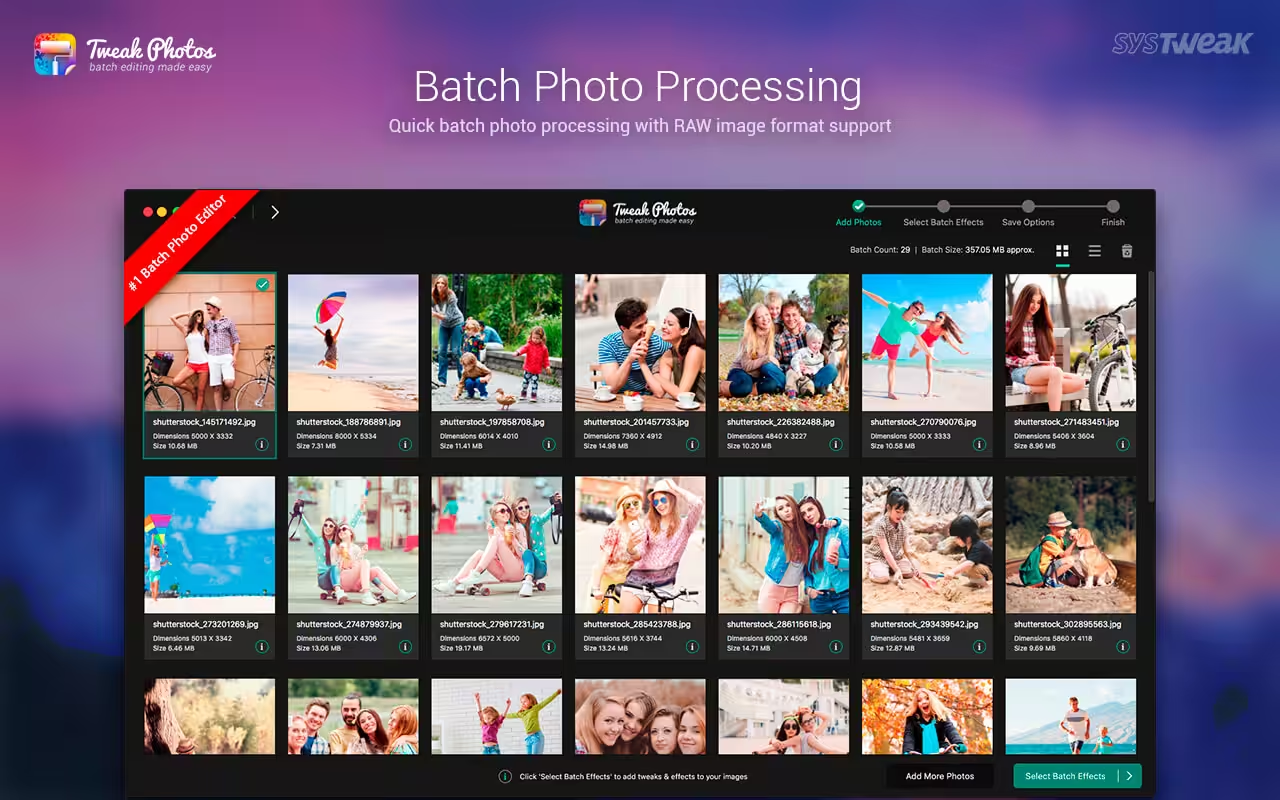
Systweak has developed a brand new batch image editing app, Tweak Photos, for your Mac. It could very well be the ultimate batch editing tool you have been looking for! With Tweak Photos, editing thousands of your photos is just a matter of a few clicks. It is a highly efficient tool that helps you customize as many effects as you want for a whole lot of photos. It also helps you to convert photo formats, and rename an entire batch of photos in just one go.

Download
2.9 · FREE
Download Now
2.9 · FREE · Universal
43.8 MB
Free Space Required
Universal
Apple Silicon & Intel
Universal
ARM64 & x86_64
- Features
- Screenshots 3
- Whats new?
Batch Format Conversion & Rename:
- Convert to and from the popular image formats like JPEG, TIFF, GIF, PNG, JP2, JPG, BMP;
- Rename your batch with meaningful names with several available settings;
Re-size & Auto-correct Orientation:
- Re-size your batch of photos in pixels or percentage to save space or for easy sharing;
- Auto-correct the orientation of your photos based on the EXIF info;
- Rotate/Flip your batch for portrait or landscape view;
- Crop region from your photos from the various available predefined formats or according to your choice;
Custom Enhance & Texture Effects:
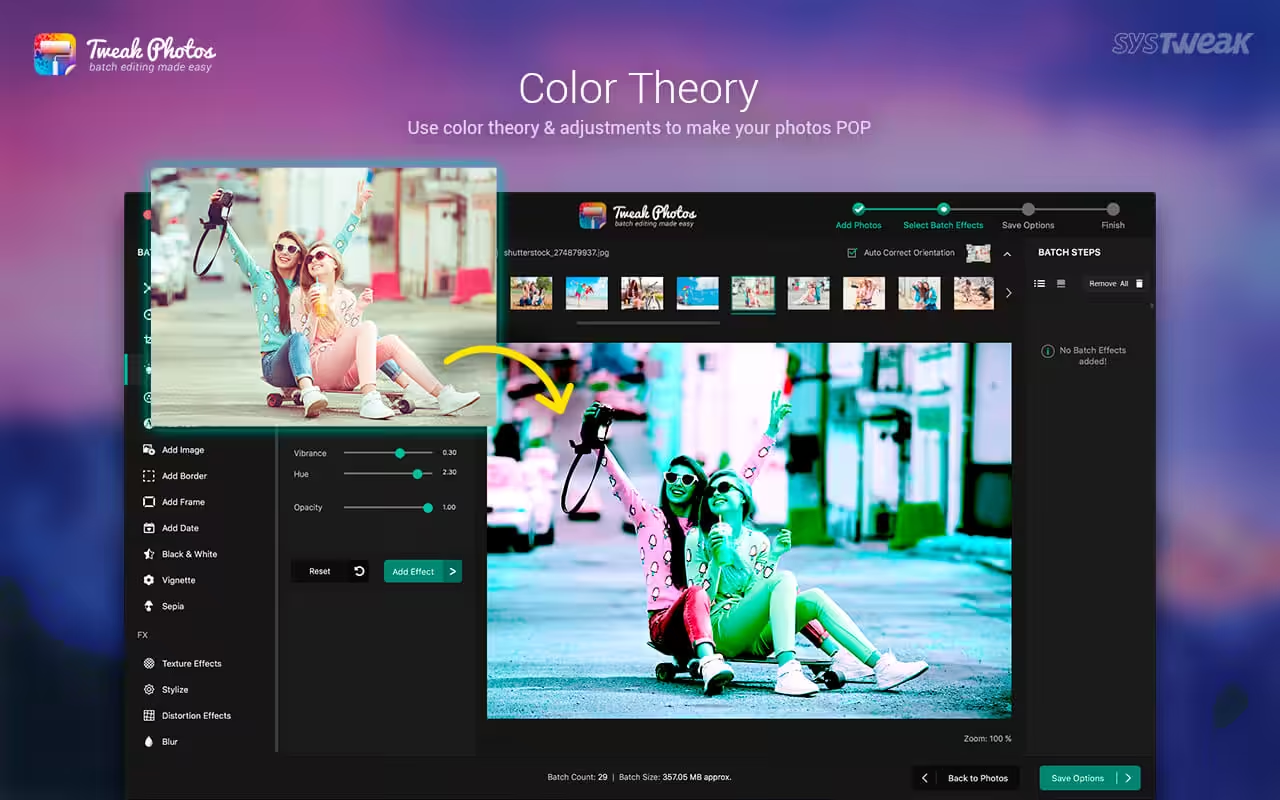
- Enhance and control the Brightness, Sharpness, Contrast, and more;
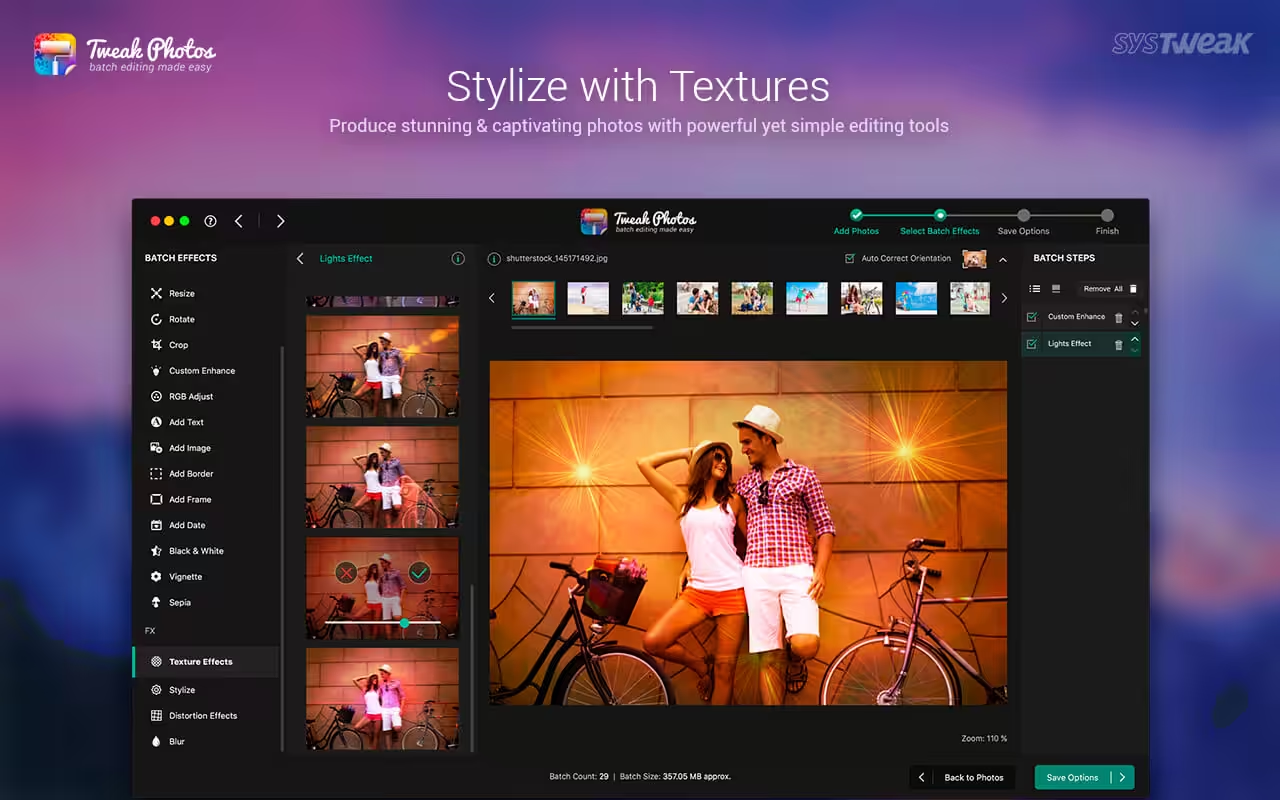
- Choose from the various effects like: Sepia, Black & White, Vignette, Light effects, Grunge effects, ti name just a few;
- De-Noise your entire batch of photos;
- Use RGB adjust controller to control the color contrast of multiple photos;
Watermark & Add Image:
- Watermark & add a logo to your batch of photos;
- Automatically stamp the photos with the original/modified Date/Time as per EXIF Info and your choice of format;
- Add text to your batch of photos and customize the font style;
- Choose from the various beautifully crafted frames like Classic, Fancy, Film Strip, Royal, Vintage, and more;
Batch Effects Layer Management:
- Edit/Delete your Batch effect layers anytime during batch editing;
- Change position of layers to see the difference;
Error Reporting & processing skipped files:
- Quick preview of any errors & warnings like duplicate file names, file missing, etc.;
- Option to process the skipped files again without reworking;
Save Session & Favorites:
- Save your last edited session for later use;
- Create a favorite with your choice of batch effects and apply during your next edit session in just a single click;
What's New in Version 2.9
- Minor bugs fixes and improvements.
Older versions & Compatibility
Running macOS Catalina, Big Sur, Monterey, or Ventura? Download tested builds for Intel and Apple Silicon.
-
2.9 LatestOct 26, 2026 · 43.8 MB · Universal
Verified secure servers
Official Website






No comments yet
Share whether this build worked on your Mac, on which macOS version, and your tips.