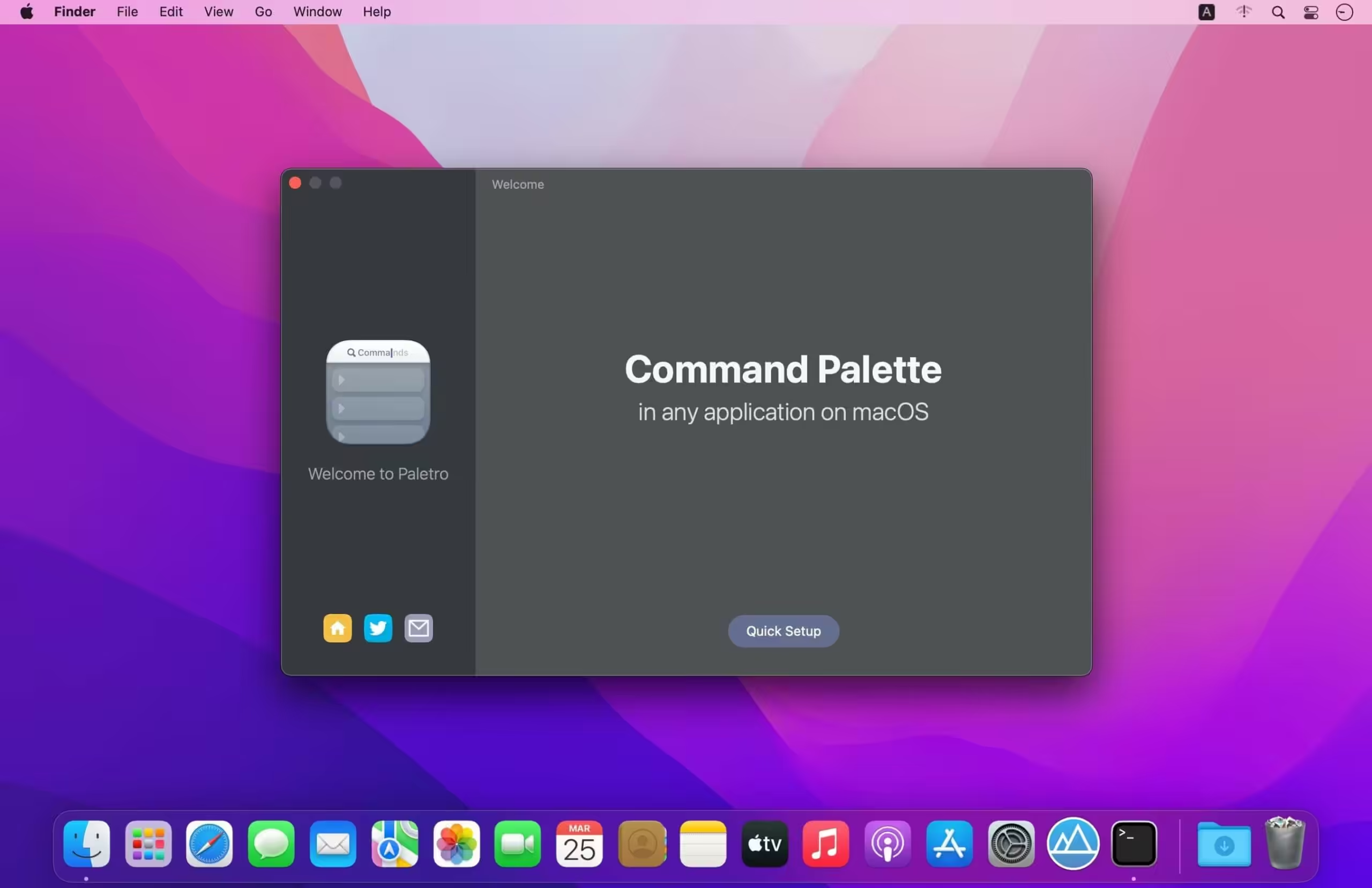
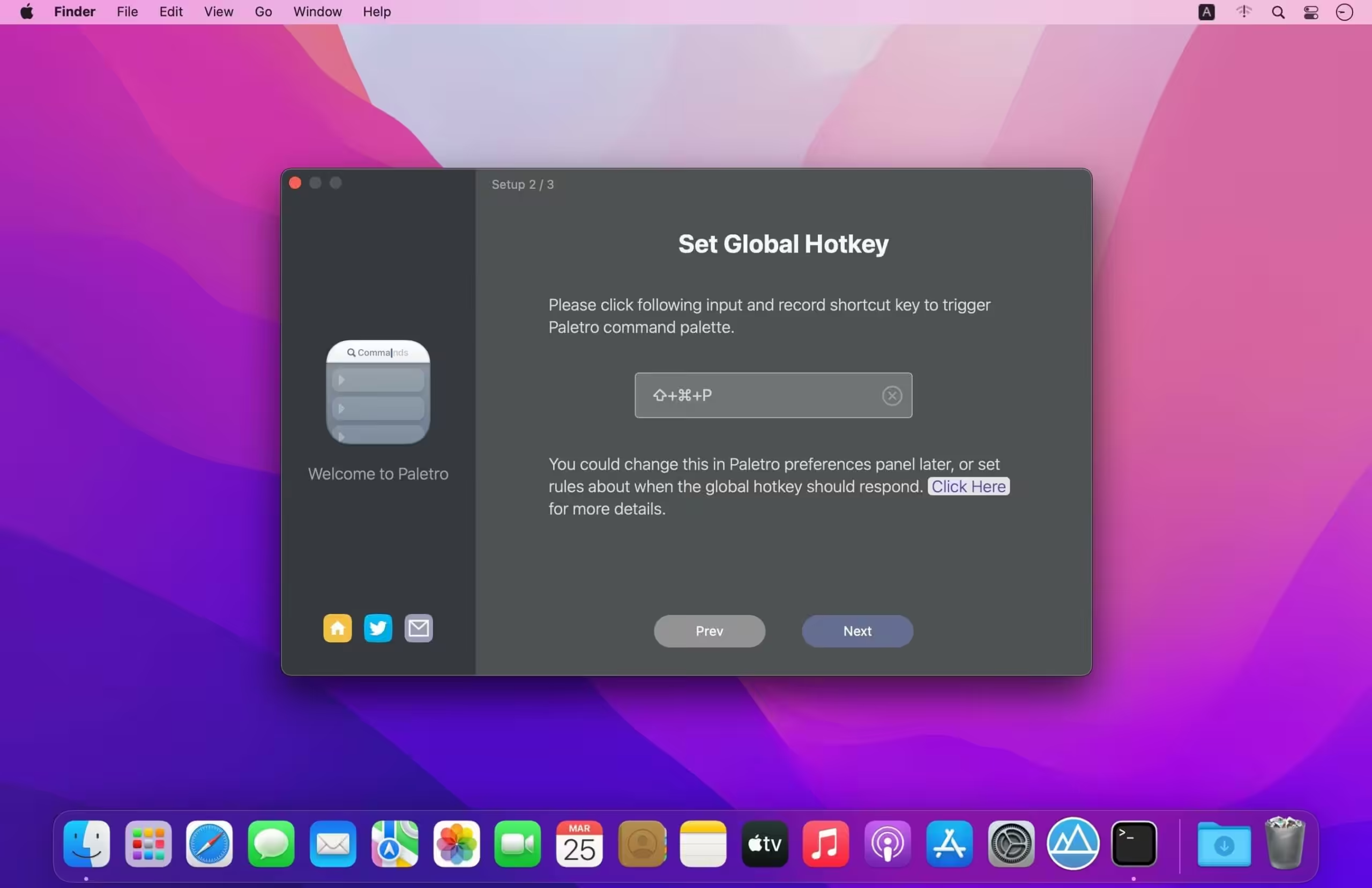
With Paletro, by pressing ⇧⌘P, you have access to all of the functionality of the current focused app, including keyboard shortcuts for the most common operations.

Download
1.8.0 · FREE
Download Now
1.8.0 · FREE · Universal
15.7 MB
Free Space Required
Universal
Apple Silicon & Intel
Universal
ARM64 & x86_64
- Features
- Screenshots 3
- Whats new?
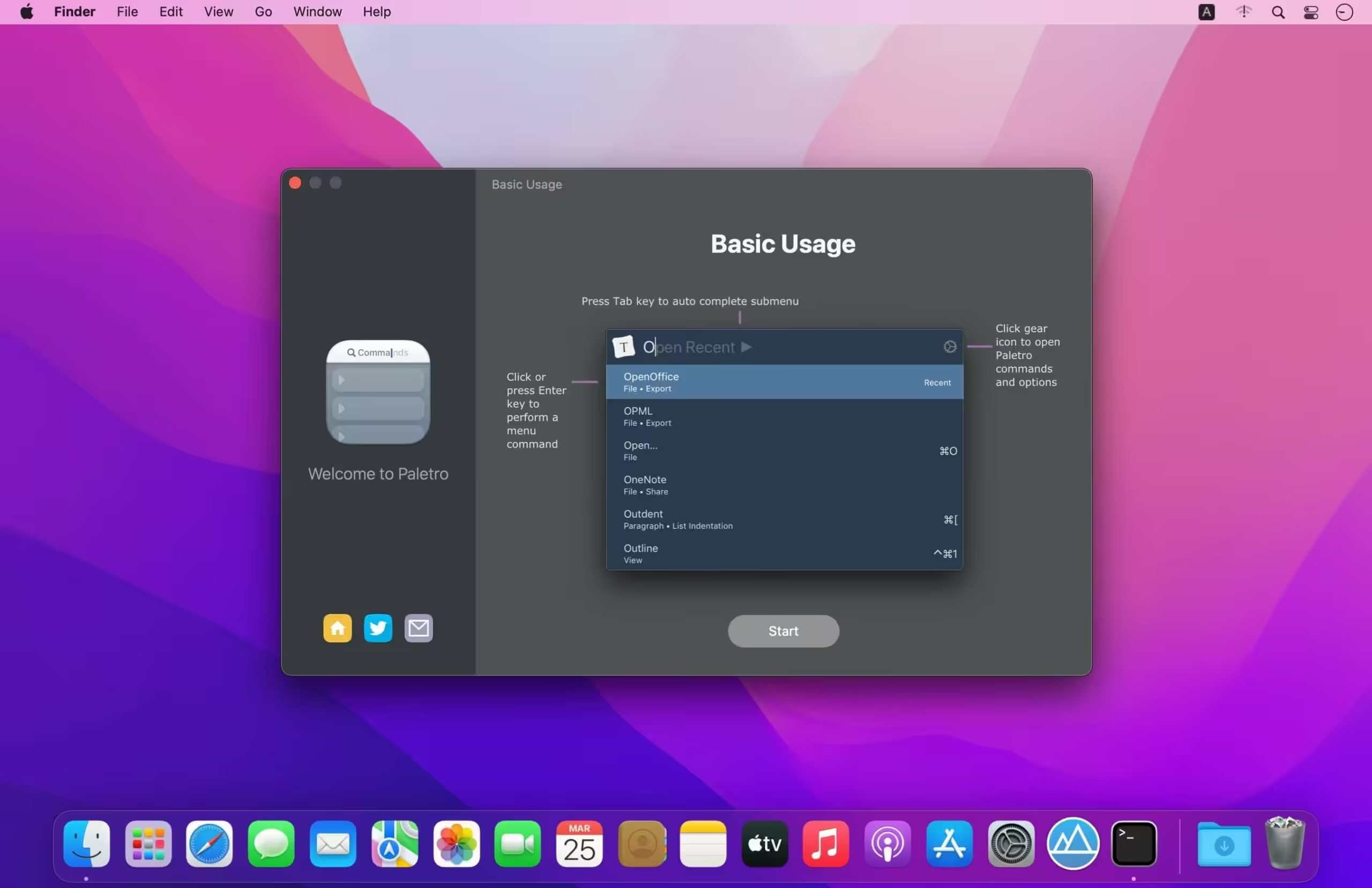
- Search – Fuzzy search or filter operations in command palette without taking your hands from the keyboard.
- Shortcuts – Display and support original shortcut keys from current application, like a built-in component.
- i18n – Able to search in English words or alphabets in non-English locales in (some) applications.
- Customization – Customize rules how Paletro should behavior, exclude certain menu items or disable in certain applications.
- Themes – Multiple themes you can choose from, and you can create your own styles (coming soon).
What's New in Version 1.8.0
- Fix add extension may added two item in extension list.
- Fix AppleScript extensions failed to execute (We suggest users to remove and re-add .scpt extensions).
Older versions & Compatibility
Running macOS Catalina, Big Sur, Monterey, or Ventura? Download tested builds for Intel and Apple Silicon.
-
1.8.0 LatestOct 19, 2026 · 15.7 MB · Universal
Verified secure servers
Official Website





No comments yet
Share whether this build worked on your Mac, on which macOS version, and your tips.