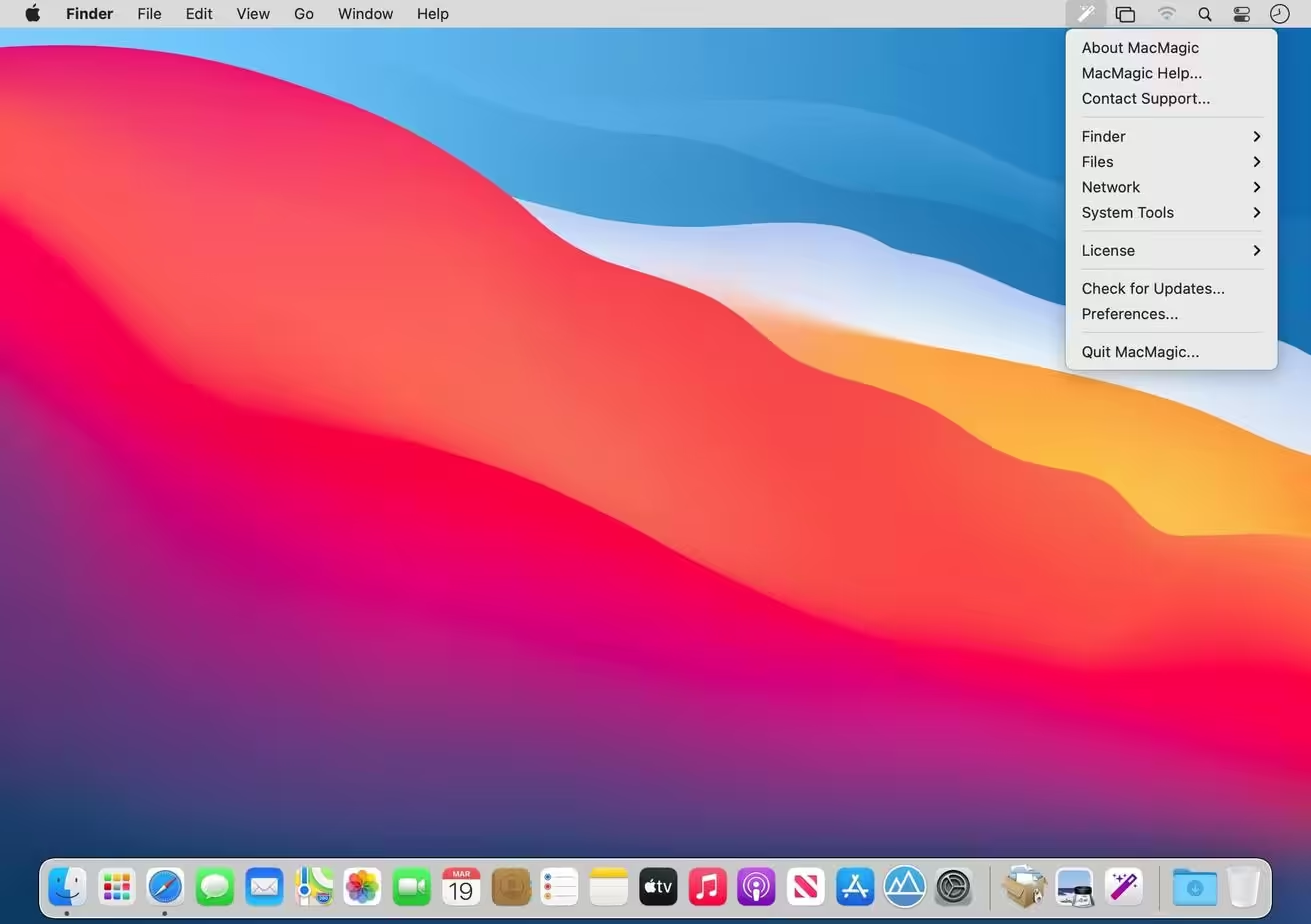
MacMagic is the quick solution to access some of the most popular hidden features in macOS. Erase caches, show hidden files in the Finder, and more. MacMagic can help clear up gigabytes of lost storage space clogged by the caches of poorly optimized apps, hide and show hidden files in the Finder, help force-delete the contents of the Trash or stubborn files, and perform various other tasks to help automate or simplify your daily workflow!

Download
2 versions
Download Now
2.0.1 · FREE · Universal
47.2 MB
Free Space Required
Universal
Apple Silicon & Intel
Universal
ARM64 & x86_64
- Features
- Screenshots 3
- Whats new?
- Batch scale, rotate and convert images between over 100 formats.
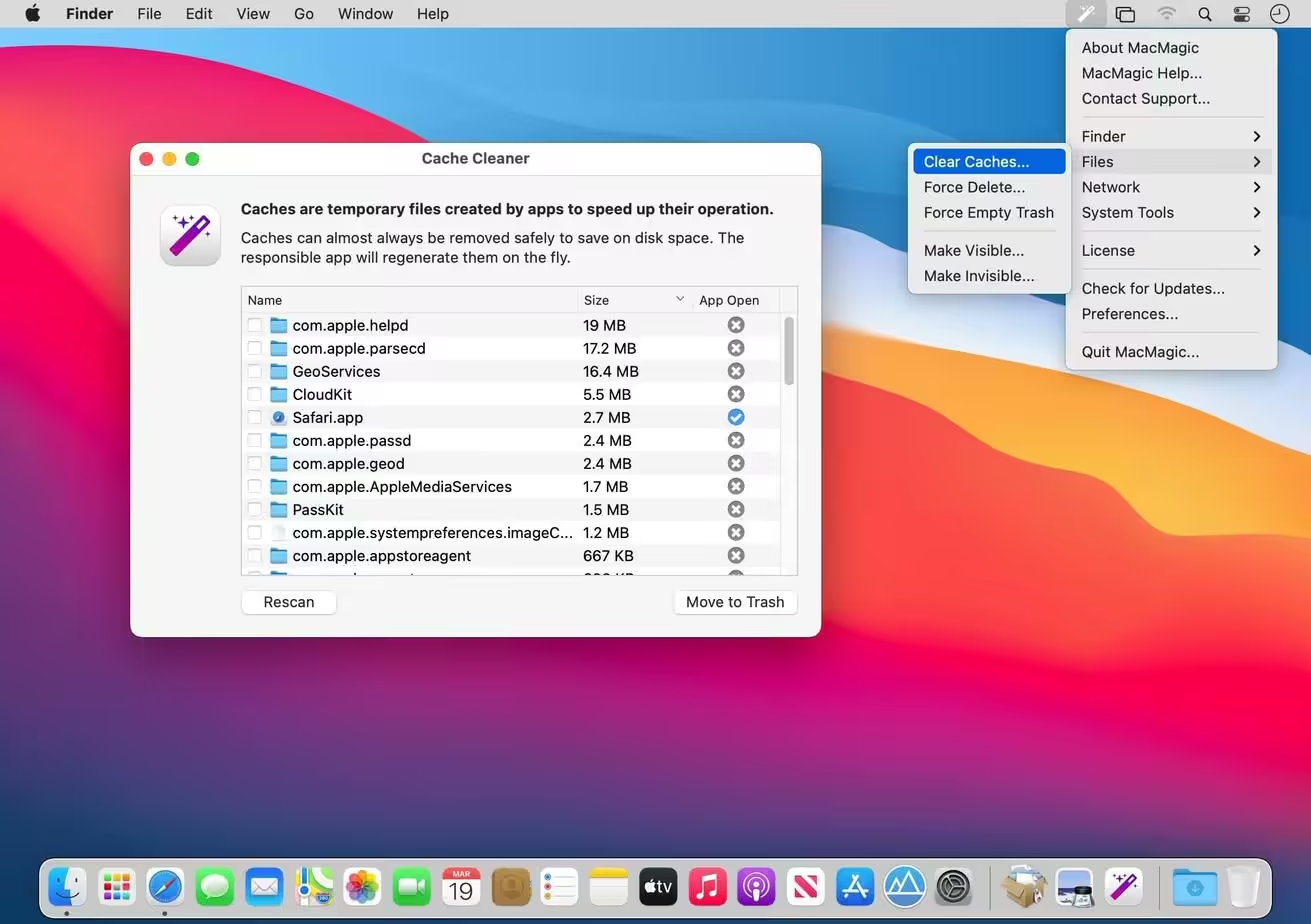
- Quickly and easily identify and purge excessively large app caches and logs.
- Show or hide desktop icons, visify or invisify specific files and folders, or globally turn on the ability to see all hidden files.
- Whether you’re trying to save RAM and CPU time, or are fighting a pesky bug, easily fully quit and/or restart the Finder.
- Pesky flies can sometimes evade deletion using the built-in Trash feature. Escalate to super-user privileges and eliminate them.
- Use our Combine PDFs feature to easily convert any image file to PDF format (the web standard for documents), or add and remove pages from existing documents.
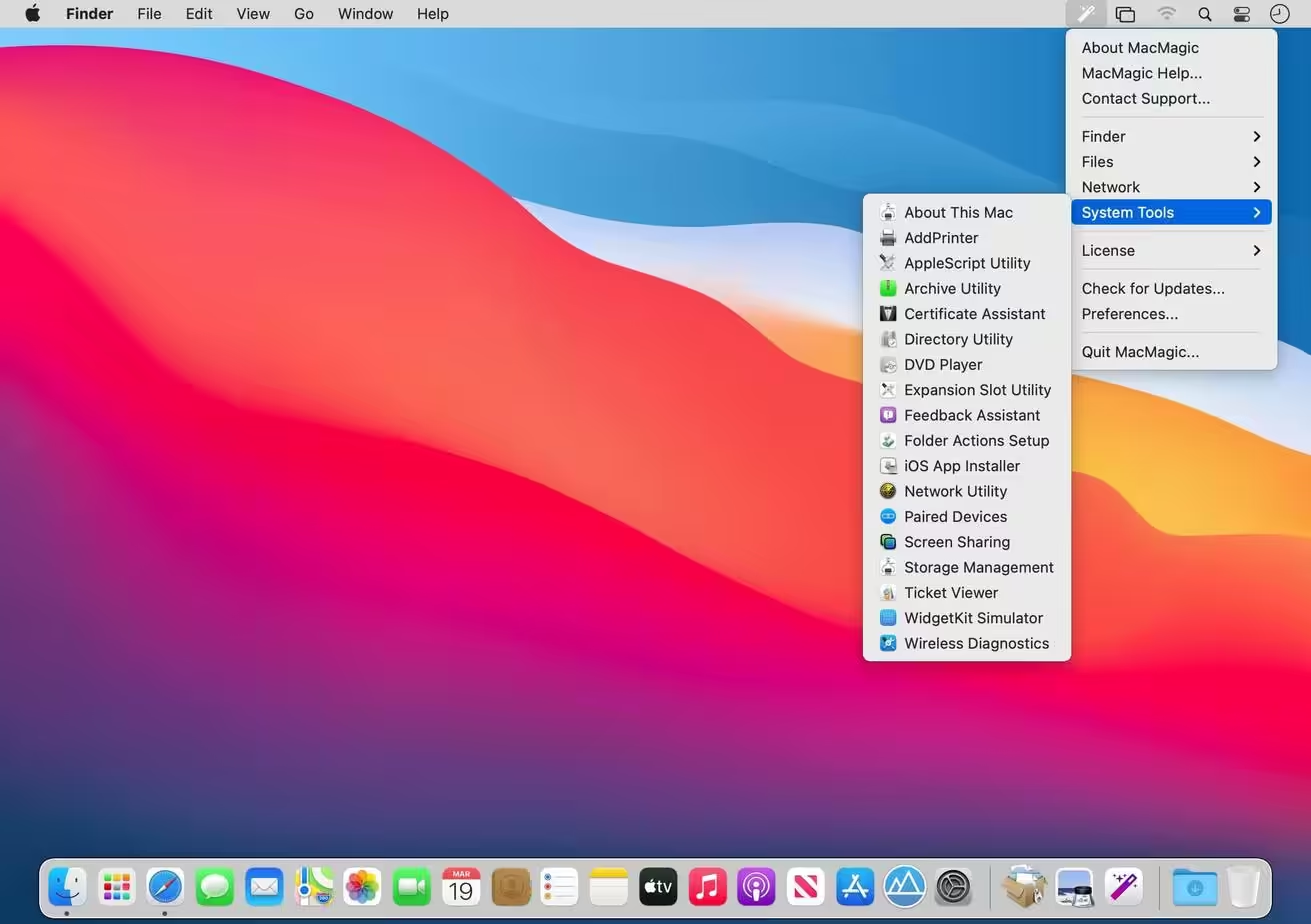
- Easily access hidden system tools buried deep within macOS such as Screen Sharing,
- Certificate Utility, File Merge, and more.
- Recursively lock or unlock entire folders worth of files.
- Perform other routine system maintenance like running cron tasks, flushing disk cache, clearing the DNS cache, wiping out a stuck print queue, and more.
What's New in Version 2.0.1
- Clear Logs.
- Erase .DS_Store files.
- Lock/Unlock Files.
- Recursive option added to Visify/Invisify feature.
- Superuser option added to Visify/Invisify feature.
- Clear DNS Cache.
- Run Cron.
- Clear Print Queue.
Older versions & Compatibility
Running macOS Catalina, Big Sur, Monterey, or Ventura? Download tested builds for Intel and Apple Silicon.
-
2.0.1 LatestOct 28, 2026 · 47.2 MB · Universal
-
1.9.5 ArchivedOct 17, 2026 · 47.2 MB · Universal
Verified secure servers
Official Website






No comments yet
Share whether this build worked on your Mac, on which macOS version, and your tips.