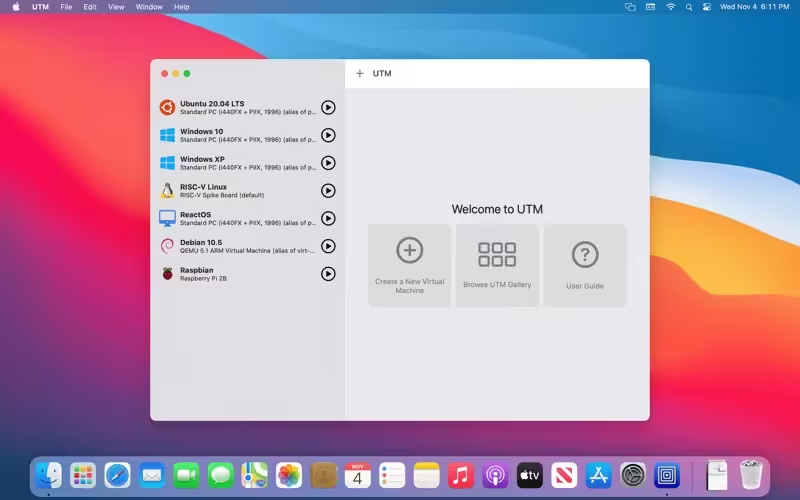
UTM uses the popular QEMU system emulator securely in a sandboxed environment to protect your data from viruses and malware in the emulated operating system. Run Windows® 10 for ARM or Ubuntu® for ARM fully virtualized for maximum performance. Run Windows® 7 or any older Intel/AMD system emulated with decent performance. Designed for macOS Big Sur using the latest and greatest Apple technologies, UTM is built from the ground up with the Mac in mind.

Download
2 versions
Download Now
5.0.8 · FREE · Universal
229.1 MB
Free Space Required
Universal
Apple Silicon & Intel
Universal
ARM64 & x86_64
- Features
- Screenshots 3
- Whats new?
- Run ARM64 operating systems such as Windows® for ARM and Ubuntu® ARM on your Apple Silicon Mac fully virtualized at near-native speeds (*virtualization only available for Apple Silicon Macs)
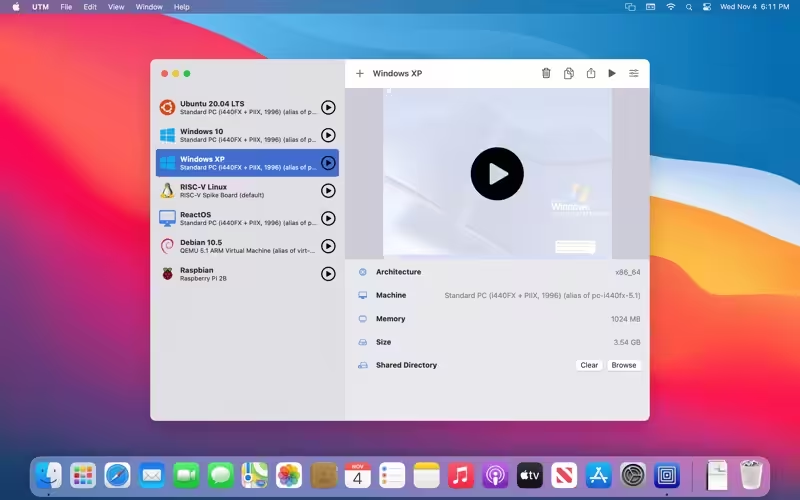
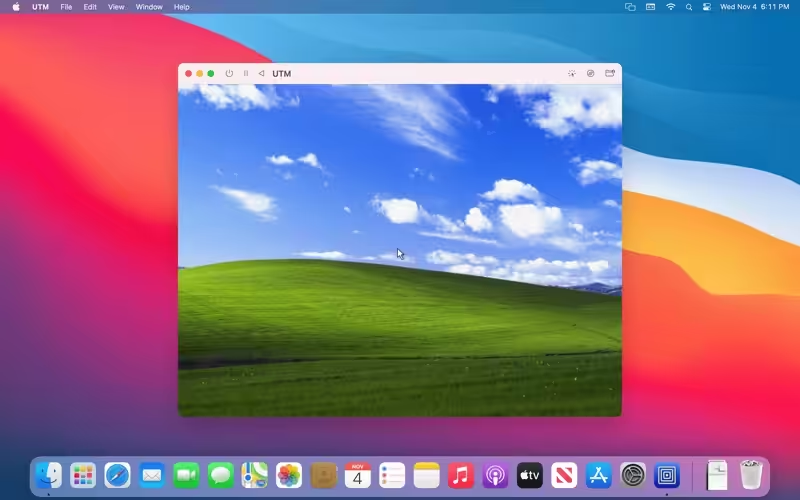
- Run Intel/AMD operating systems such as Windows® 7, Windows® XP, Ubuntu® Linux, and more on your Apple Silicon Mac (*emulated with limited performance on Apple Silicon Macs, fully virtualized on Intel Macs)
- Over 30 processors can be emulated by the QEMU backend including i386, x64, ARM32, ARM64, MIPS, PPC, and RISC-V for developers and enthusiasts
- Supports macOS Sandbox to protect your data from any viruses or malware infecting the emulated operating system (such as Windows®)
- Attach USB devices to your virtual machine
- Experimental: GPU accelerated OpenGL on Linux VMs
- Bridged and shared networking support
- Don’t know how to use QEMU? Confused at all the options QEMU provides? UTM provides an easy to understand UI for managing and configuring VMs that does not require knowledge of QEMU command-line arguments
What's New in Version 5.0.8
- Tweaked new icon picker: clicking the icon opens the picker (#6316) and fixes some layout issues (#6317)
- Fixed an issue where the mouse/keyboard was not getting released when an error message popped up and “Capture .. automatically …” is enabled (#6352)
- (macOS 14+) AVF: New option to mount drive on virtual NVMe interface when running a Linux guest with Apple Virtualization. This should address file system corruption issues. (thanks @gnattu)
- (macOS 12+) AVF: Use full synchronization mode for all non-external drives. This should address file system corruption issues. (thanks @gnattu)
Older versions & Compatibility
Running macOS Catalina, Big Sur, Monterey, or Ventura? Download tested builds for Intel and Apple Silicon.
-
5.0.8 LatestOct 29, 2026 · 229.1 MB · Universal
-
4.7.5 ArchivedOct 23, 2026 · 229.1 MB · Universal
Verified secure servers
Official Website






No comments yet
Share whether this build worked on your Mac, on which macOS version, and your tips.