Slidepad is a slide-over browser that will magically boost your productivity. Inspired by the slide-over feature on iPad, Slidepad allows you to quickly take notes or send a chat message without having to switch between different windows or workspaces. An iPad-style slide-over window for your web apps. No more hassle of window switching. Unlike other similar apps, there is no limit on what can be placed on Slidepad. You can type any keywords and URLs, like what you do in common browsers!

Download
1.6.2 · FREE
Download Now
1.6.2 · FREE · Universal
13.3 MB
Free Space Required
Universal
Apple Silicon & Intel
Universal
ARM64 & x86_64
- Features
- Screenshots 3
- Whats new?
An iPad-style slide over the window
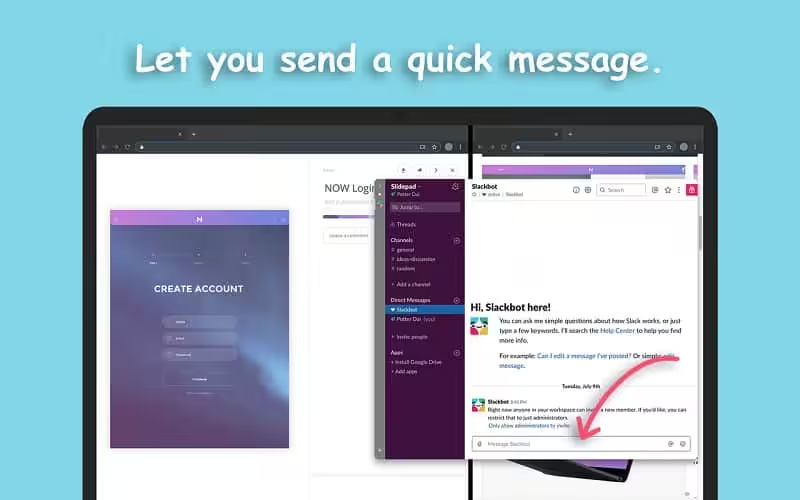
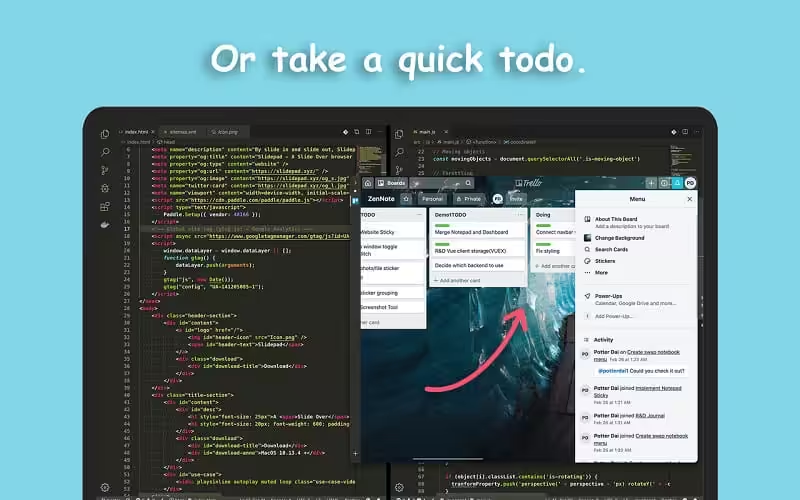
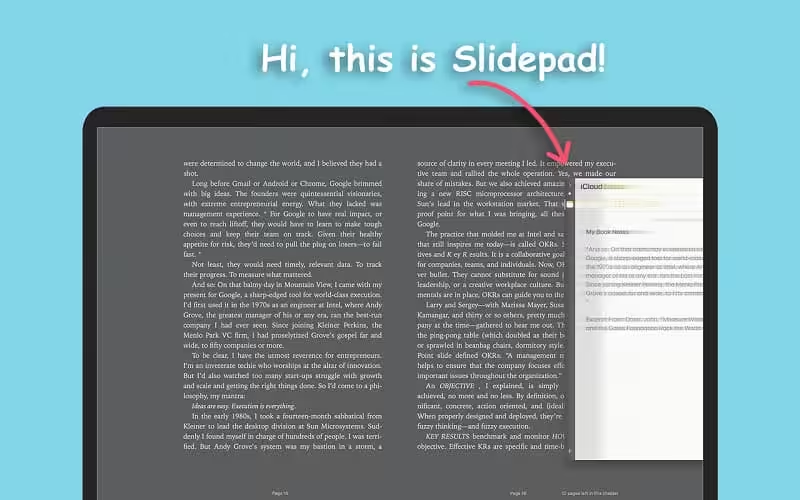
With simple slide-in and slide-out gestures, Slidepad delivers iPad-style multitasking to your Mac. It is the fastest way to open and close your productivity apps such as Trello, Todoist, Slack, etc., without them dominating your workspace, or obstructing your workflow.
A simple sidebar to switch between appsSlidepad borrowed the concept of sidebar from Franz and Station. It is much smoother than tabs, and it helps you quickly switch between your favorite web apps.
An Omnibox lets you open any websites, tutorials, or PDFsUnlike similar apps, there is no limit on what can be placed on Slidepad. You can type any keywords, URLs, apps, pdfs, docs – anything you can imagine!
A small tool with many use casesYou can use Slidepad to quickly send someone a message, check out what should be done next, write down some random thoughts at your favorite note tool, or switch your favorite songs.
More Features- Minimal-style sidebar
- Corner snapping
- Developer tool enabled
- Customizable sound setting
- Mobile/Desktop user-agent switching
- Display badge when receiving new notifications
- On/Off live notifications
- Multi-screen support
- Drag/drop support
- Picture in Picture support
- Quicklook icon support
- Dark theme support (macOS 10.14+)
- Global keyboard shortcut support
What's New in Version 1.6.2
- Minor bug fixes
Older versions & Compatibility
Running macOS Catalina, Big Sur, Monterey, or Ventura? Download tested builds for Intel and Apple Silicon.
-
1.6.2 LatestOct 17, 2026 · 13.3 MB · Universal
Verified secure servers
Official Website




No comments yet
Share whether this build worked on your Mac, on which macOS version, and your tips.