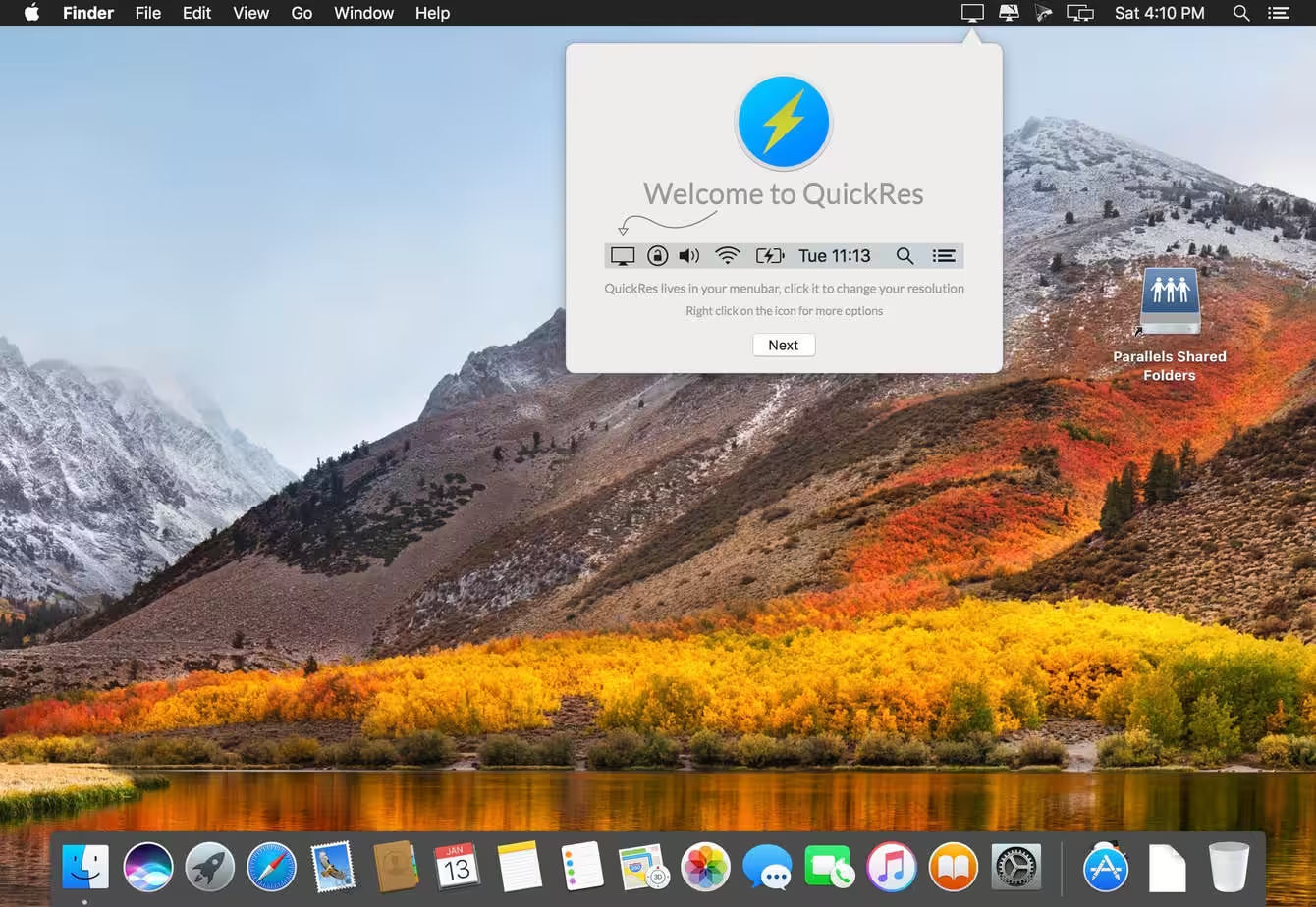
QuickRes is the quickest and easiest way to switch between screen resolutions on your Mac. With the MacBook Pro with Retina Display, you can set your resolution all the way up to an extreme 3840 x 2400! With other Macs, you can set your resolutions to things you’ve never seen before, including a HiDPI mode, which is as close you can get to a Retina Display on a standard computer.
Download
4.9 · FREE
Download Now
4.9 · FREE · Universal
7.5 MB
Free Space Required
Universal
Apple Silicon & Intel
Universal
ARM64 & x86_64
- Features
- Screenshots 3
- Whats new?
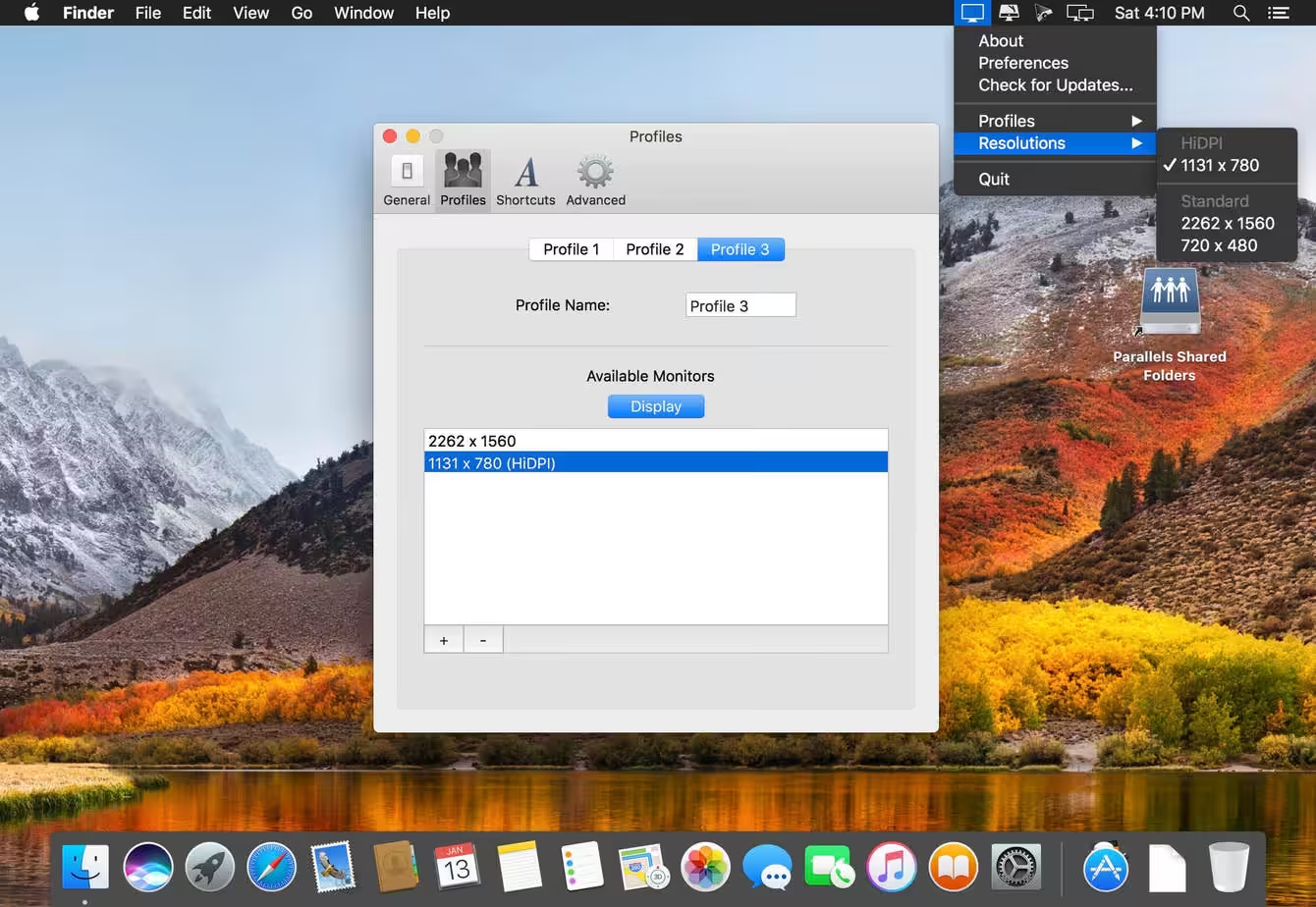
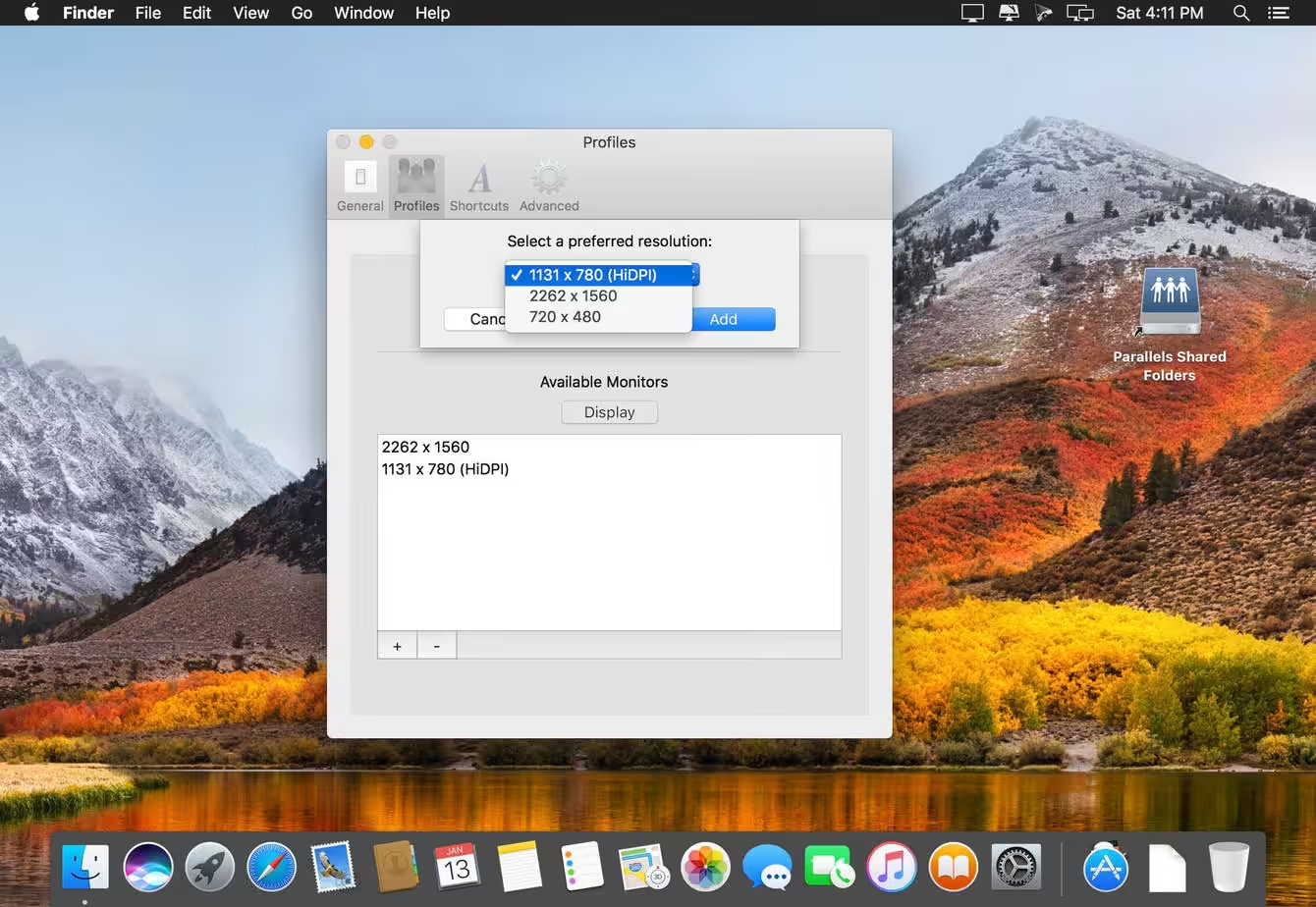
- It’s a lightweight Mac app that can bypass Apple’s limits on native resolutions and enable all the resolutions your display really has to offer.
- On a 15-inch Retina Macbook Pro you can safely set your resolution all the way up to an extreme native 3840×2400 and on a 5K iMac you can reach the highest resolution of 7680×4320!
- With Macs that have legacy displays , you can set your resolutions to things you’ve never seen before, including a HiDPI mode, which is as close as you can get to a Retina Display on a standard monitor.
What's New in Version 4.9
- Release notes were unavailable when this listing was updated.
Older versions & Compatibility
Running macOS Catalina, Big Sur, Monterey, or Ventura? Download tested builds for Intel and Apple Silicon.
-
4.9 LatestOct 20, 2026 · 7.5 MB · Universal
Verified secure servers
Official Website

No comments yet
Share whether this build worked on your Mac, on which macOS version, and your tips.