Logoist 5 offers everything you’ll need to bring your creative ideas to life or find fresh inspiration. Catering to users of all levels, it’s the right choice for anyone looking to create and export complex vector graphics. With Logoist, you’re just a few clicks away from creating stunning images and vector graphics ranging from simple logos to sophisticated designs.

Download
5.2.2 · FREE
Download Now
5.2.2 · FREE · Universal
249.8 MB
Free Space Required
Universal
Apple Silicon & Intel
Universal
ARM64 & x86_64
- Features
- Screenshots 3
- Whats new?
Well-organized graphics editor that enables you to create your on templates
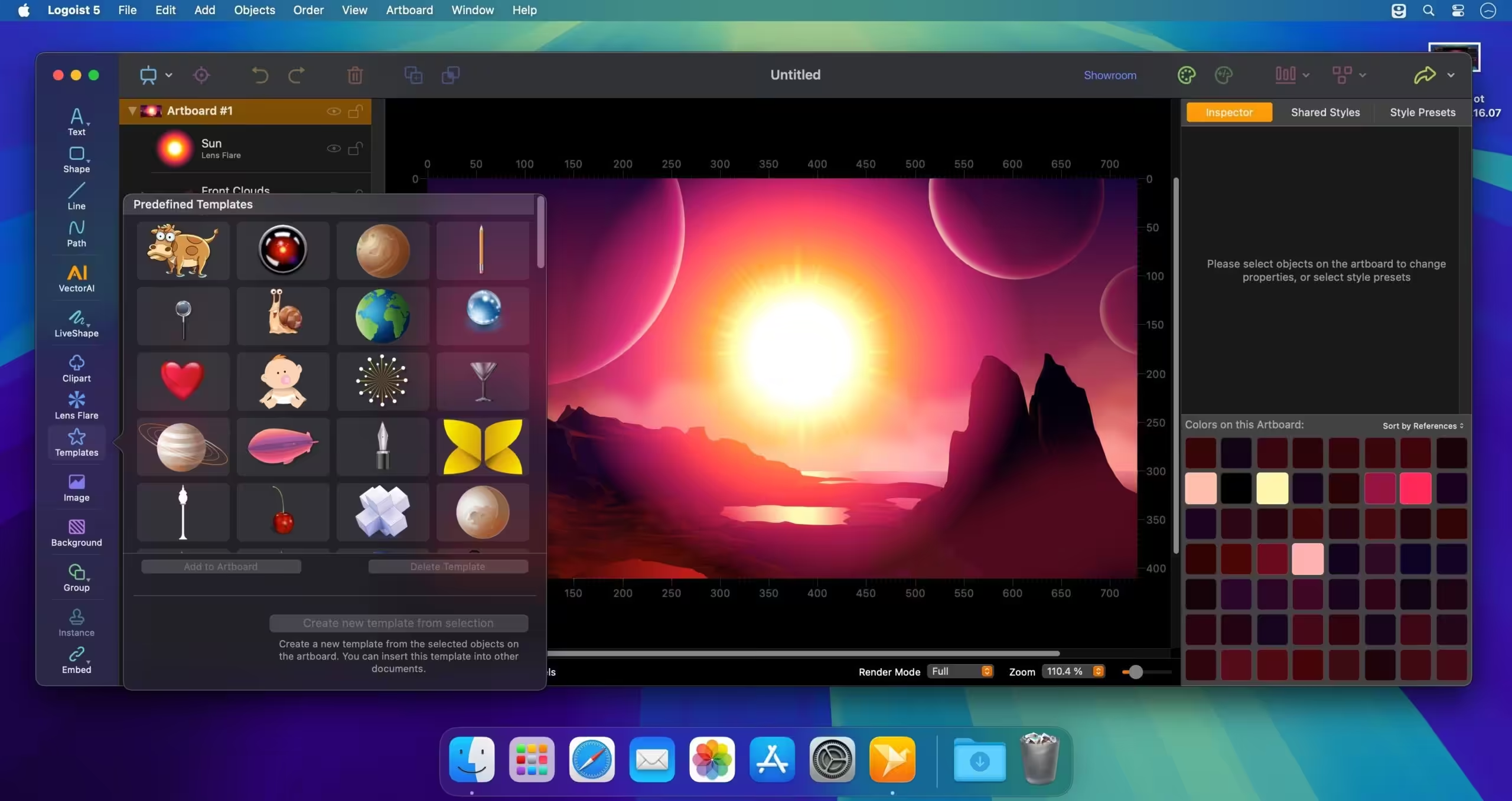
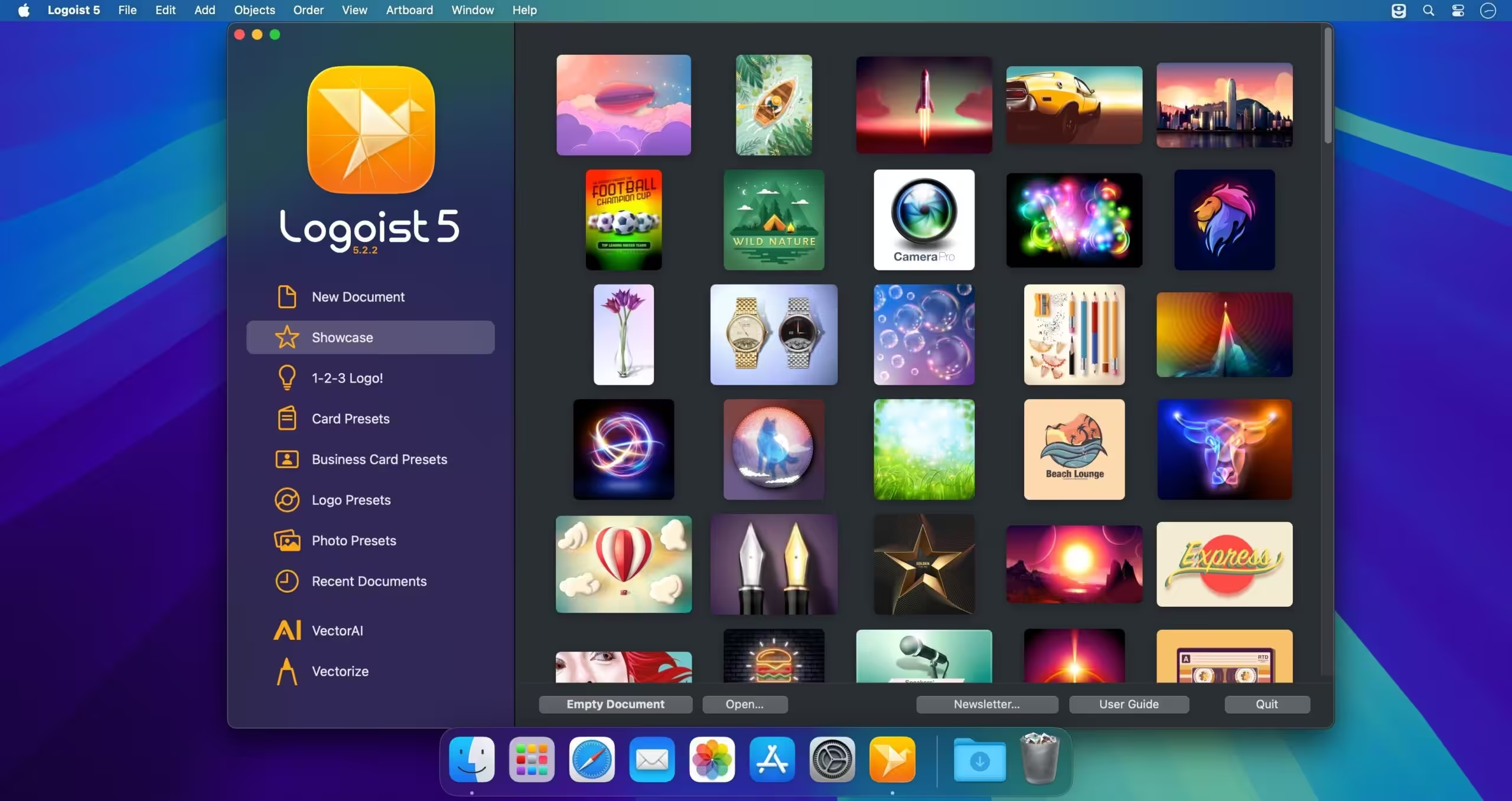
Right off the bat, in the Logoist Welcome window you can see the available templates, or quickly access the user guide (the extensive documentation helps you learn all you can do with Logoist). The app includes over 100 templates, but you can extend your collection by saving your own projects as templates.
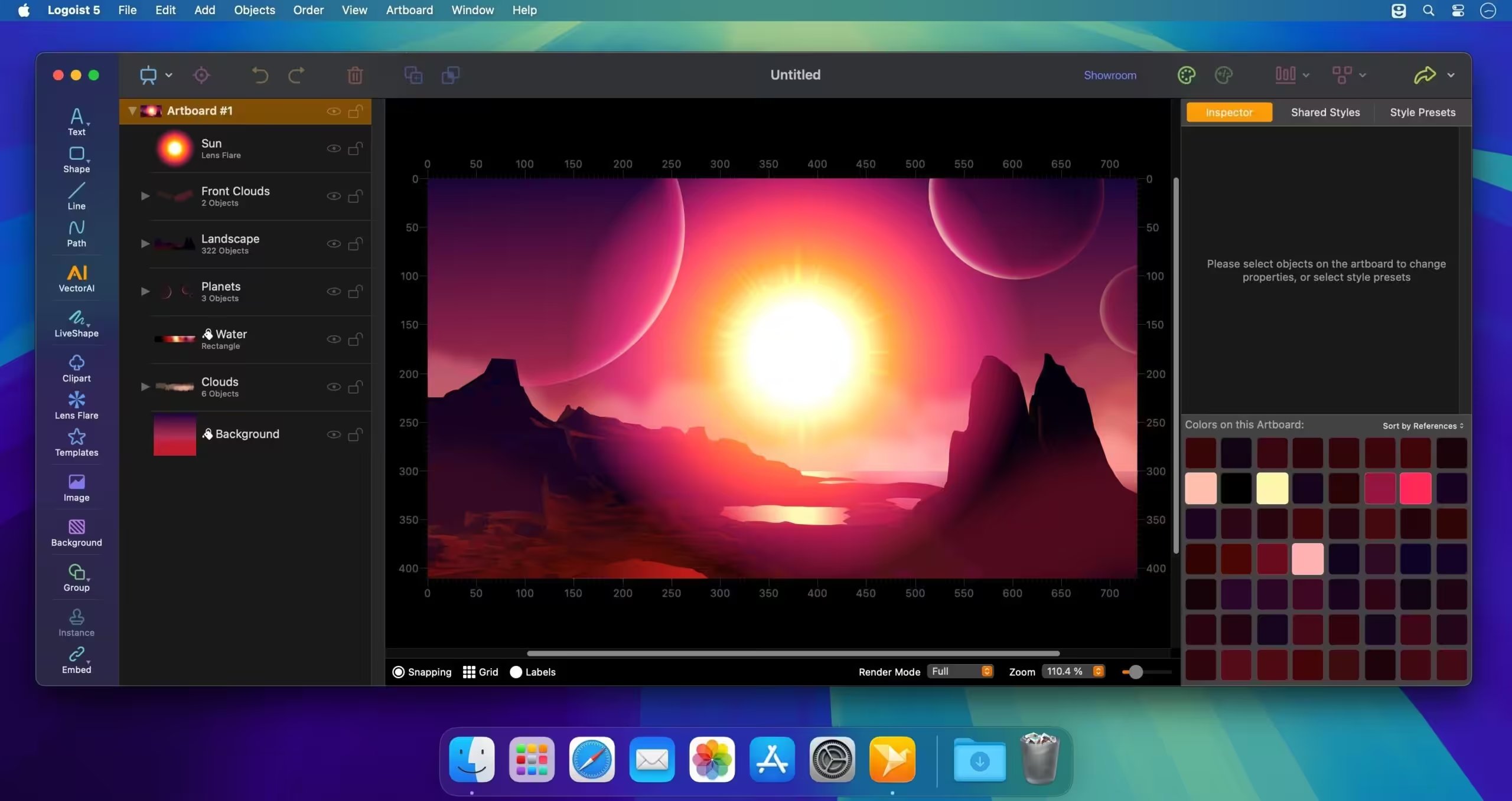
Once you open a new Logoist project, you will have access to the apps editing window: the main area is reserved for the canvas, while on the sides you view toolbars and panels that provide quick access to most tools.
Draw your own artwork and apply built-in effects to customize the results
Logoist comes with basic drawing tools, but also includes an extensive (over 3000) vector clipart collection: you are able to add symbols specific to a certain subject or category with a simple mouse click. The best part is that Logoist works with multiple players, so you get to combine the objects any way you like.
On top of that, Logoist provides access to a large collection of shaders, image effects, border designs, background patterns, transformations, or custom fonts.
Moreover, Logoist enables you to create Bezier paths, and includes snapping tools that can help you align the included objects and can prove very useful when you want to create picture collages.
Comprehensive graphics editor that can help you create high quality artwork in no time
Logoist is a great tool to have around if you need to quickly create logo concepts, headings, graphic content for your web projects, and so on. The app comes with a plethora of customization effects, a wide collection of clipart objects, and is capable to work with layers.
Also noteworthy is that you can export your projects to a Photoshop-compatible format, in case you need to add an effect that is not included in the Logoist app.
Core Features of Logoist 5
- Combine vector and bitmap graphics for stunning effects such as glossy surfaces, depth-of-field, and bokeh effects Giant clip art library included: Logoist comes with over 3,000 clip art images
- Non-destructive Boolean operations: Create detailed, editable vector graphics by combining simple shapes
- Preset styles: Over 100 configurable style presets at your fingertips Innovative grouping features allow for easy structuring of larger projects Export to a wide range of vector and image formats: PDF, SVG, EPS, PNG, HEIF, JPEG, or Photoshop PSD
- Artificial Intelligence: Create impressive Clip Art and other vector graphics with VectorAI Import SVG, PDF, PNG, JPEG, or HEIF files into your projects
- Generators: Add stitches, branches, grass, spikes or cracks to any shape with a single click
- Batch export: Export your projects to various formats and resolutions with a single click – ideal for web design or app development 1-2-3, Logo! Just a few clicks… and the app will provide you with dozens of versatile logo suggestions that you can further edit and customize
- LiveShape: Create vector paths like modelling with clay with many innovative tools – including support for Digitizer Tablets and Apple Pencil Edit gradients, patterns, text letter configurations, and paths directly on the canvas for perfect accuracy
What's New in Version 5.2.2
- Various improvements and bug fixes for macOS 26 Tahoe
Older versions & Compatibility
Running macOS Catalina, Big Sur, Monterey, or Ventura? Download tested builds for Intel and Apple Silicon.
-
5.2.2 LatestOct 16, 2026 · 249.8 MB · Universal
Verified secure servers
Official Website






No comments yet
Share whether this build worked on your Mac, on which macOS version, and your tips.