Diagrams is a diagram editor for Mac that helps you increase the understanding of your structures and processes through visualization. Its approachable design, clean interface, crisp visual style, and streamlined canvas interactions allow you to produce beautiful diagrams and integrate them into your workflows in no time.

Download
2.2.3 · FREE
Download Now
2.2.3 · FREE · Universal
17.0 MB
Free Space Required
Universal
Apple Silicon & Intel
Universal
ARM64 & x86_64
- Features
- Screenshots 3
- Whats new?
- Interactive Canvas — Create diagrams on the canvas, the key area of the app, through direct manipulation of diagram objects. The canvas is fully interactive and employs powerful layout features that help streamline your workflows.
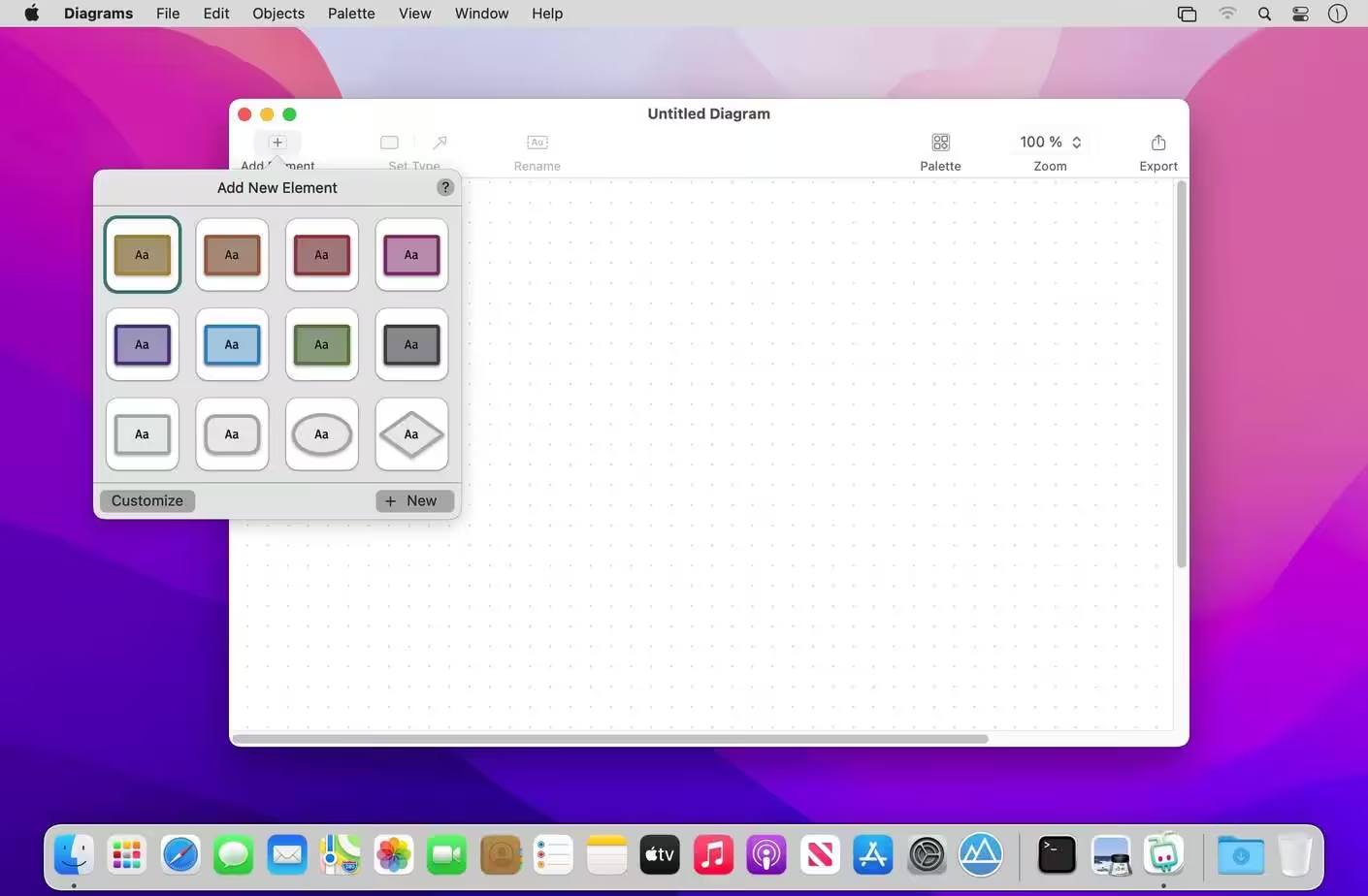
- Elements & Relationships — Unlike generic vector graphics tools, Diagrams is specifically optimized for structured diagrams consisting of elements and relationships. By leveraging these core building blocks, you’ll create diagrams more quickly with no fiddling around.
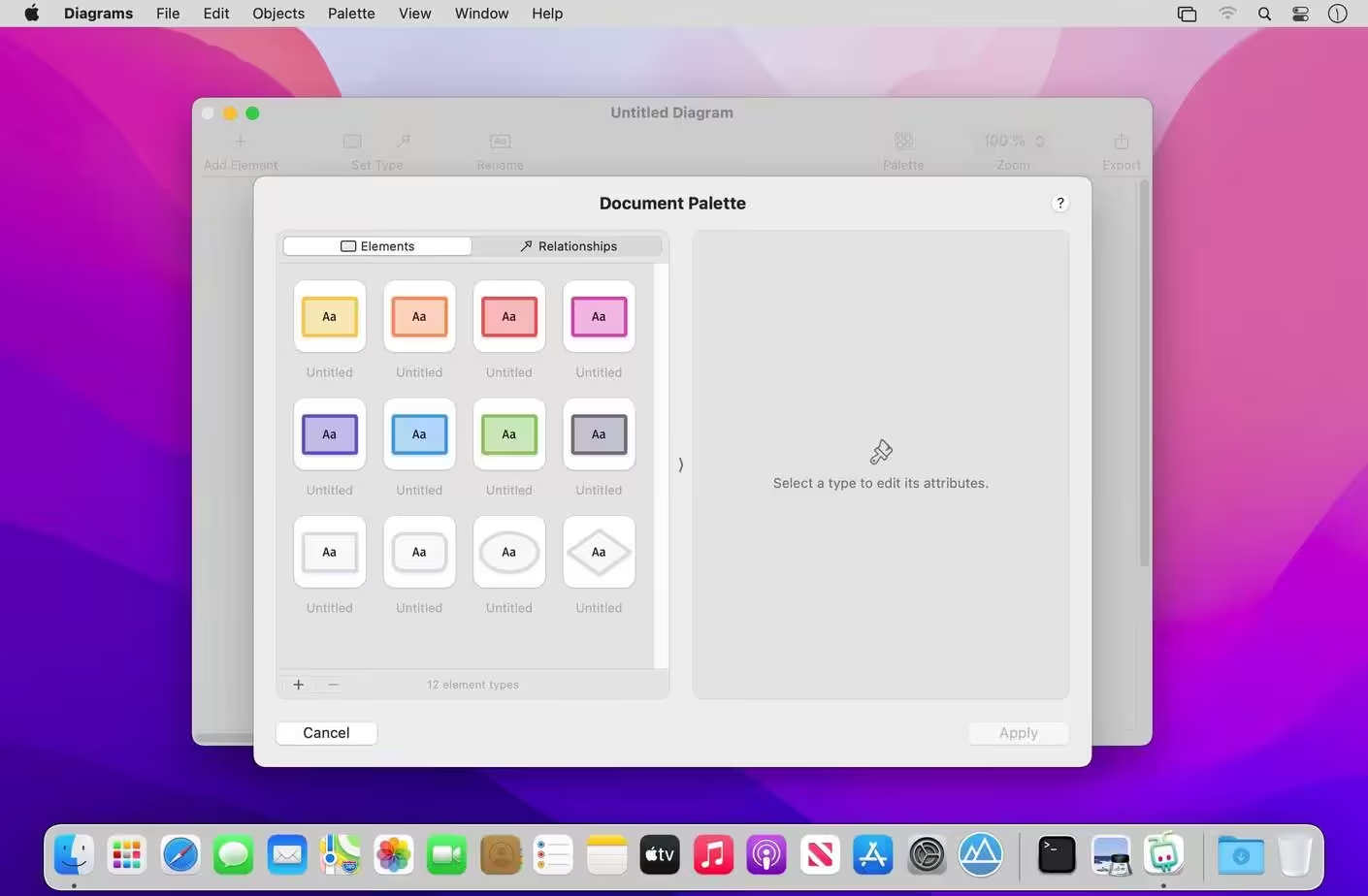
- Types — Each element and relationship is associated with a type that defines its meaning and its visual style. Utilize reusable types to make your diagrams more consistent and comprehensive.
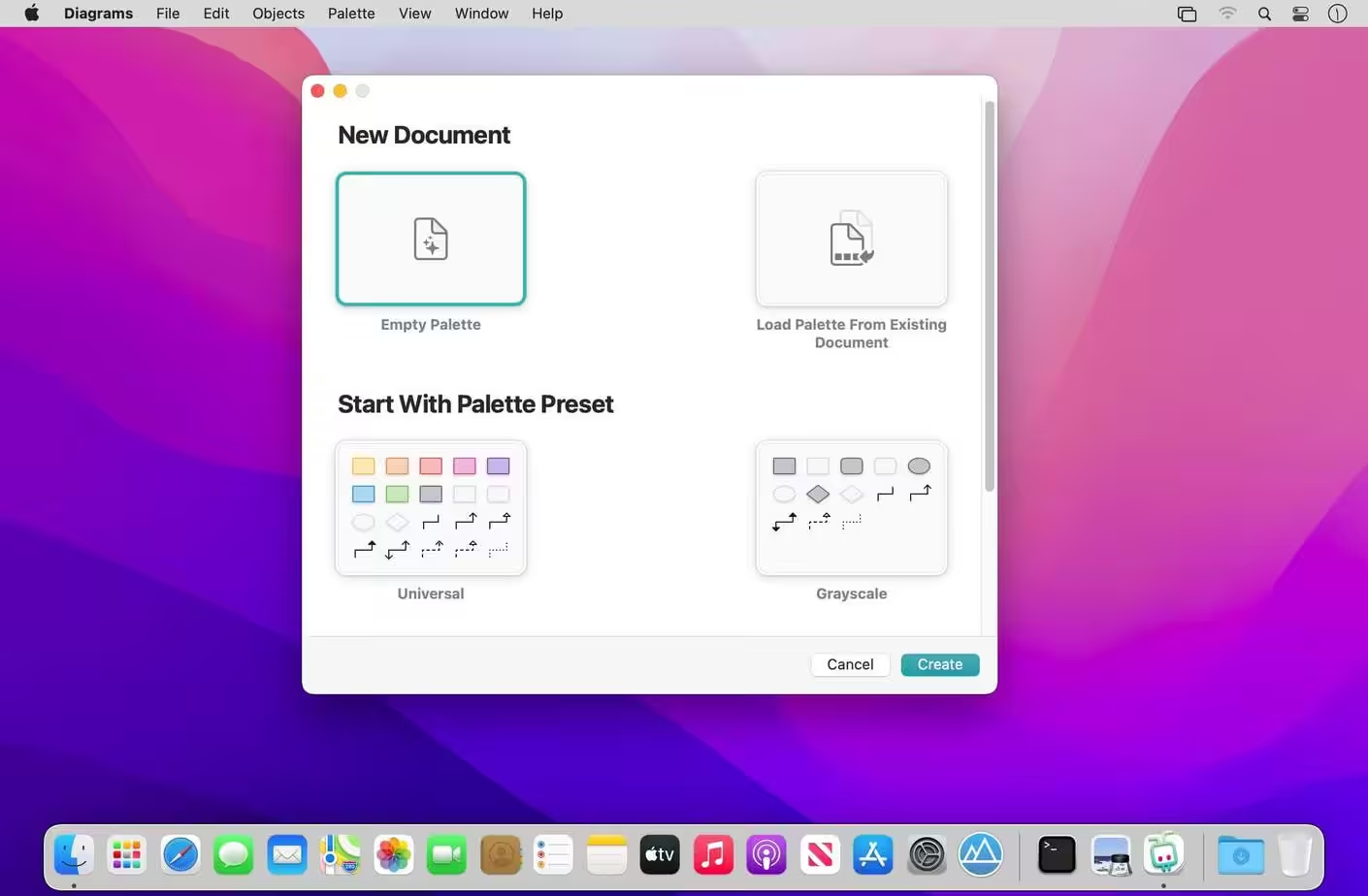
- Palettes — A palette is a collection of types attached to each new diagram. You can pick from built-in presets, customize existing palettes, or craft personalized palettes that contain only the types you need for your particular use cases.
- The app encourages you to assign meaning to types, but you can decide to which extent you want to embrace it. Opt for the universal palette without any particular semantics, or make use of your very specific palette — or something in between.
HIGHLIGHTS
- Truly native Mac experience
- Clean, distraction-free user interface
- Infinite canvas with streamlined interactions
- Smart grid layout and relationship routing
- Built-in palette presets for universal use cases and flowcharts
- Palette customization
- Variety of styling options: shapes, colors, text formatting
- Exporting to image or PDF formats
USE CASES
- Flowcharts for visualizing processes
- Software architecture design
- Simplified UML diagrams
- User interface flows
- Organizational charts
- Business, consulting, information architecture
- Planning, brainstorming, mind mapping
- and more!
What's New in Version 2.2.3
- This update fixes a crash on macOS Catalina that snuck into the previous version.
Older versions & Compatibility
Running macOS Catalina, Big Sur, Monterey, or Ventura? Download tested builds for Intel and Apple Silicon.
-
2.2.3 LatestOct 28, 2026 · 17.0 MB · Universal
Verified secure servers
Official Website






No comments yet
Share whether this build worked on your Mac, on which macOS version, and your tips.